Day Pass vs Monthly Licence: Which MCP Access to Buy
GET https://moltlinestudio.com/api/premium/day-pass
GET https://moltlinestudio.com/api
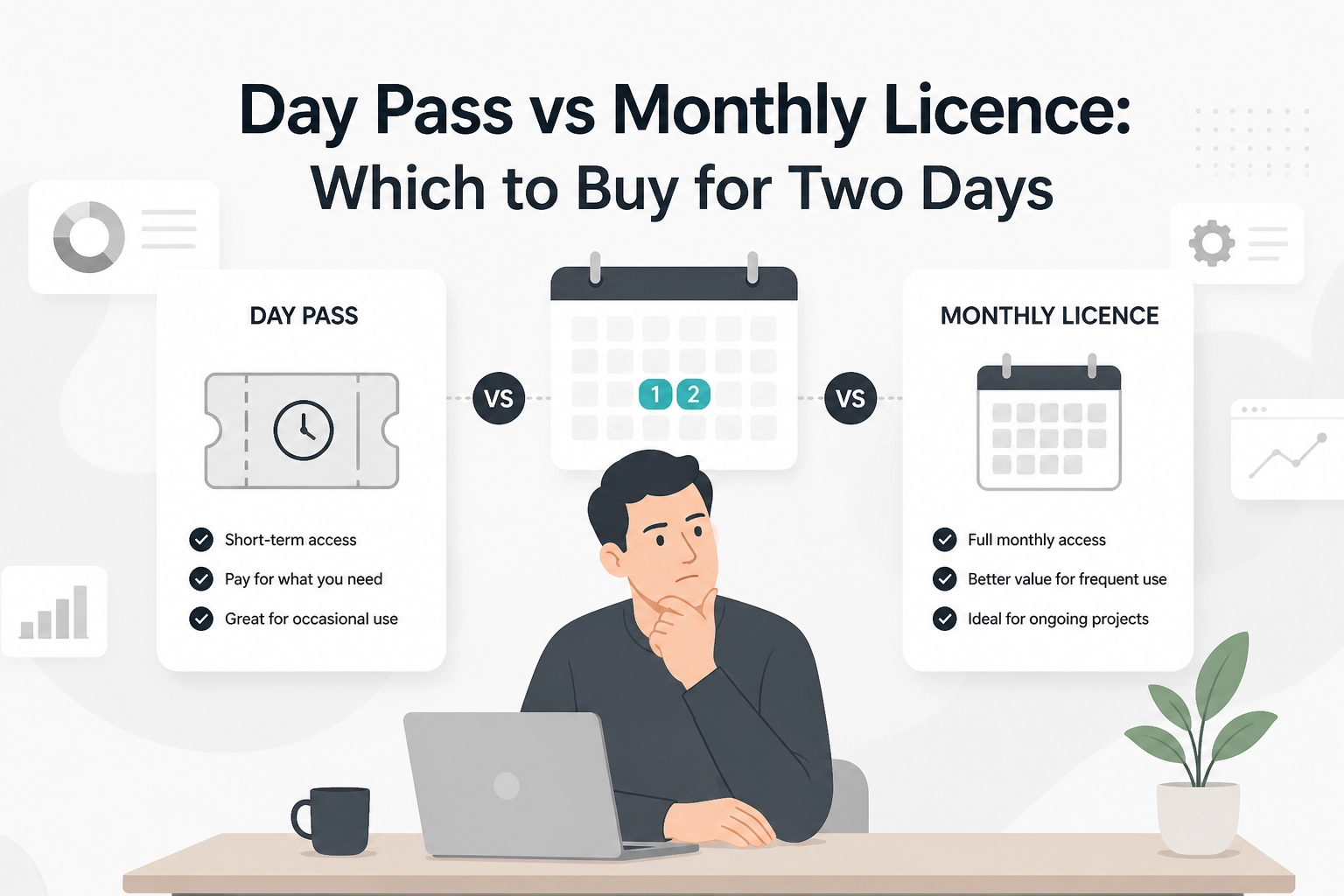
Two endpoints, two prices, one decision. A migration spike and a scheduled agent both hit premium MCP tools, but they do not need the same access length. The day pass costs 2 USDC and covers through the end of the next UTC day. The month costs 19 USDC.
What Error Do You Get Calling a Premium MCP Tool Without a Licence?
Run this with no licence in place. Moltline's servers need initialize first (a bare call gets HTTP 400 with Bad Request: Missing session ID), so it opens a session on the catalog server, then calls its premium get_full_kit tool with a real kit slug:
EP=https://mcp.moltlinestudio.com/catalog
H='Accept: application/json, text/event-stream'
J='Content-Type: application/json'
INIT='{"jsonrpc":"2.0","id":1,"method":"initialize","params":{"protocolVersion":"2025-11-25","capabilities":{},"clientInfo":{"name":"probe","version":"1.0"}}}'
curl -sS -D headers.txt -o /dev/null -X POST "$EP" -H "$J" -H "$H" -d "$INIT"
SID=$(grep -i '^mcp-session-id' headers.txt | awk '{print $2}' | tr -d '[:space:]')
curl -sS -X POST "$EP" -H "$J" -H "$H" -H "mcp-session-id: $SID" -d '{"jsonrpc":"2.0","method":"notifications/initialized"}'
curl -sS -X POST "$EP" -H "$J" -H "$H" -H "mcp-session-id: $SID" -d '{"jsonrpc":"2.0","id":2,"method":"tools/call","params":{"name":"get_full_kit","arguments":{"slug":"kit-developer-starter"}}}'
The call comes back as HTTP 200 with a normal tool result, not a payment challenge. Its structuredContent.error field reads premium_tool_requires_license, and the same result carries upgrade_url, the licence page, plus the two x402 purchase resources.
That is not an HTTP 402 challenge: no PAYMENT-REQUIRED header, no settlement step, just a licence flag naming the purchase URL.
If you know x402 from x402.org, you expect a 402 on a paid call. The licence check fires first: access is time-bounded, not per request. A 402-only agent will not recover alone, so handling the licence flag belongs in your tool-call wrapper.
This wall appears only on the 50 premium tools; the other 110 of the 160 hosted tools are free forever:
No account, no API key, no signup
A free-tier run never reaches this error
For connecting MCP to Claude, the same rule applies. One priced decision:
2 USDC day pass at moltlinestudio.com/api/premium/day-pass
19 USDC month at moltlinestudio.com/api
Which one depends on how many separate days your agent runs.
Day Pass vs Monthly Licence: What Each One Buys
Row | Day pass | Month |
|---|---|---|
Price | 2 USDC | 19 USDC |
Purchase URL | https://moltlinestudio.com/api/premium/day-pass | https://moltlinestudio.com/api |
What it covers | All 50 premium tools | All 50 premium tools |
When it lapses | End of the next UTC day | End of the paid month |
Per-call metering | None | None |
Repeat-buy discount | None | None |
Best for | One batch or one weekend | Anything running on more than one day per week |
Payment is crypto only, USDC on Base, settled through the x402 challenge on /api or /api/premium/day-pass.
The difference is access length, not feature set. The same tools open either way, which makes the choice purely a question of duration. See how licensing models compare for the longer model behind it.
How Many Day Passes Cost More Than a Month?
Price is the only variable left, so run the ladder rather than assert the answer.
One day pass at
moltlinestudio.com/api/premium/day-pass: 2 USDC.Five day passes: 10 USDC, still below a month.
Nine day passes: 18 USDC, still below the 19 USDC month.
Ten day passes: 20 USDC, 1 USDC above the month.
Stated plainly: 19 ÷ 2 = 9.5. The crossover lands inside the tenth purchase. Ten separate days of access cost more than one month of access, and the tenth purchase is where the month becomes the cheaper buy for the same calendar span.
Two runs is not the break-even. Two passes cost 4 USDC. A month bought for a two-day job spends 15 USDC on access that never gets used. The twice-a-week rule you will see quoted elsewhere is a usage signal, not a price calculation, and the next section treats it as one.
There is an honest asymmetry worth naming. Nine days spread across a month is cheaper as passes, 18 USDC against 19 USDC. That only holds if you buy each pass separately on the day it is needed, with the agent actually running at that moment. Skip a day and you are buying again, on a schedule you have to remember.
The ladder is multiplication, not a discount structure, and every pass is bought at the same 2 USDC.
Whether that repeat purchase is mild friction or a failure mode depends on how the agent is scheduled.
Does Running Twice a Week Justify the 19 USDC Month?
Two passes a week costs 4 USDC. Four weeks costs 16 USDC. An average 30.4-day month costs about 17.4 USDC. The month is 19 USDC, so passes stay cheaper by roughly 1.6 to 3 USDC.
The real case for the month is operational. Four separate purchases mean four chances for the agent to stall on premium_tool_requires_license when a scheduled job fires.
A scheduled agent cannot wait for a human to notice a 402 or a licence flag at 03:00 UTC. The month removes that failure mode. The 1.6 to 3 USDC gap is not the reason to switch.
When the pass still wins: if both runs land inside one UTC window, one pass covers both. The second run costs nothing extra.
How Long Does a 2 USDC Day Pass Actually Last?
The pass looks at the calendar, not the clock. Purchase time decides how much of the window you actually get. Treat the timings below as the pattern to test against the live challenge.
bought_at: 2026-03-14T22:40:00Z
next_day: 2026-03-15T00:00:00Z
coverage: until 2026-03-16T00:00:00Z # about 25 hours 20 minutes
Buy the same pass at 2026-03-14T00:10:00Z and coverage still ends at 2026-03-16T00:00:00Z, because the boundary is fixed. Same 2 USDC, about 47 hours 50 minutes. The Z suffix marks UTC, per RFC 3339.
That is the whole mechanic:
Late in a UTC day is the shortest coverage the product sells.
Just after midnight UTC is the longest.
Both cost 2 USDC.
For a two-day migration starting at 23:00 UTC, a pass bought then ends 25 hours later. Wait 61 minutes, buy at 00:01 UTC, and the same 2 USDC covers the migration plus the following day. Buy the pass for the window you actually have, and switch to the month only when runs land on separate days.
When Is the Day Pass Obviously the Right Buy?

If the pass window already covers your run, the remaining question is whether the run repeats. These are the cases where it clearly does not.
One-off batch. A data migration, backfill or re-index that finishes inside a single window and has no follow-up scheduled next week.
Weekend migration. Premium tools are needed on Saturday, and nothing is queued for the following month.
Verification run. You want to prove a premium tool returns what the agent expects before committing 19 USDC to a month.
Single demo or regression pass. A launch check with a known end date, not an ongoing workload.
No honest four-week promise. If you cannot say the agent will still be active in four weeks, an unused month is 19 USDC spent on nothing.
Before buying either option, confirm the tool you need is actually premium. Check the specific server on the server catalogue; 110 of the 160 hosted tools are free forever, so the pass may not be necessary at all.
What Neither Option Includes
Neither option bundles extras, so the limits matter as much as the prices.
Blunt lapse behaviour. The response carries no grace period or partial refund.
The same access reading applies if you are also picking an image tool to wire in: which image tool to wire in covers that choice.
Support is one person. First reply within 24 hours, confirmed defects fixed within 30 days. No support team, no SLA.
Scope, for context only: 22 servers, 160 tools. MCPize audited the catalog endpoint and scored it A, 94/100.
Where x402 Fits and Where the Licence Check Runs
That blunt lapse behaviour is a licence check, not the x402 protocol at work.
x402 is an open standard built on HTTP 402 Payment Required: an unpaid request gets a 402, the client pays, then retries, per x402.org. The same page claims the protocol has processed millions of transactions and is free for the customer and merchant apart from network fees. It publishes no figures, and no independent source confirms either claim.
According to The Block, x402 rolled out V2 in December 2025, and per crypto.news that version links Base, Solana and cards. Neither changes what a licence check does here.
The mismatch is structural. x402 prices one request; a licence sells a window of access.
If your agent already speaks x402, that distinction decides whether it self-recovers: a client that only handles 402 will not clear the licence flag on its own. The licence has to be bought first, by a human at the purchase URL or by a wallet-holding agent. Our what breaks in stack licensing piece covers that split. For behaviour when a call returns rather than pays, see routing MCP tool calls.
The Decision Rule and the Two URLs
Two URLs, three rules.
If every run this month fits inside one UTC day or two consecutive UTC days, buy the day pass at moltlinestudio.com/api/premium/day-pass for 2 USDC.
If the agent will make premium calls on two or more separate days in the same week, buy the month at moltlinestudio.com/api for 19 USDC. The month wins on purchase frequency, not price.
If unsure, buy the pass first and count separate purchase days. On the tenth purchase you have spent 20 USDC and the month is already cheaper.
Rule 1 wins when both apply: two consecutive days is one window, so one pass.
What trips people up: buying the pass is not a downgrade, and buying the month is not a commitment to volume. Neither is metered per call, so the only variable is how many separate days of access you actually need. For how that plays out in practice, see how developers wire their stacks.
Then run the request from the opening section against the server page on moltlinestudio.com/servers.html, confirm the premium tool you need is one of the 50, and buy the access length that matches your calendar.
Conclusion
The choice comes down to your calendar, not your call volume.
Next step: open moltlinestudio.com/servers.html, confirm your premium tool sits among the 50 covered by the All-Access licence, then buy the access length that matches the days you will actually run.