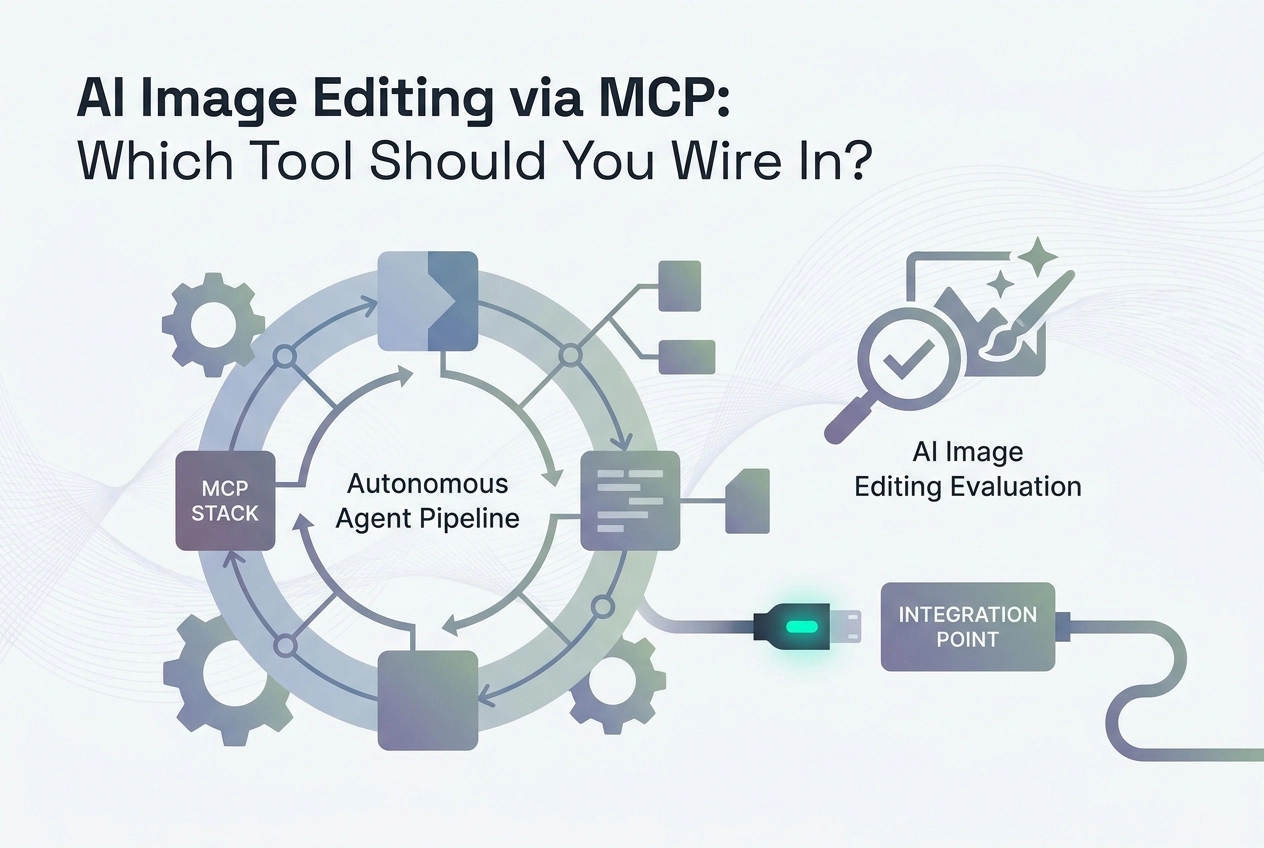
Wiring an AI image editor into your Model Context Protocol stack sounds straightforward until you realize just how differently each tool behaves once it's sitting behind an MCP server. Latency, API surface area, output consistency, and pricing models all start mattering in ways they simply don't when you're clicking through a web UI.
This post cuts through the noise for developers and technical practitioners who are ready to move beyond manual workflows and integrate image editing capabilities directly into their AI pipelines. We'll compare the leading contenders, covering how each one exposes its functionality over MCP, where each tool excels under real workload conditions, and which trade-offs you'll need to accept depending on your use case.
Whether you're building an automated content pipeline, a multimodal agent, or a developer tool that needs on-the-fly image manipulation, the choice of which AI image editor to wire in has downstream consequences that compound quickly. By the end of this comparison, you'll have a clear framework for evaluating each option against your specific architecture, throughput requirements, and budget constraints.
What 'AI Image Editor' Means for an Agent Developer
The published discourse on AI image editors is almost entirely consumer-facing. Reviews compare browser UIs, rating prompt adherence, output aesthetics, and ease of export. That framing covers a real use case, but it is the wrong question for an agent developer.
The consumer framing: open a browser app, click a button, adjust a slider, export a PNG. A human is present at every step. Evaluation criteria are subjective: does the output look good? Is the interface intuitive?
The developer framing: an MCP tool your agent calls programmatically to generate or edit images with no human in the loop. The agent passes parameters, receives a structured response, and continues the pipeline. No clicks, no sliders, no browser tab.
The relevant question shifts entirely. It is not "which app has the best UI" but "which MCP server can I wire into Claude or Cursor with the least friction and the most reliable state handling." Those are categorically different evaluation criteria.
A developer's checklist looks like this:
Hosted vs. local: does it require a local install or is there a remote endpoint you can paste into an MCP client?
Signup friction: does the first call require OAuth, an API key, or a vendor account?
Multi-turn state persistence: does the server track prior edits across calls, or does each request start cold?
Pricing model: flat-rate licensing versus per-call billing matters significantly once an autonomous agent is firing requests at volume
Consumer tools dominate the published coverage of AI image editors, and if a browser-based editor is what you need, Canva and Adobe Firefly are the obvious starting points. This post covers the developer framing exclusively.
The MCP Image Tool Landscape in 2026
Image and video processing is a well-populated category in the public MCP directories. That tells you two things simultaneously: demand for image tooling in agent stacks is real and validated, and the space is crowded enough that an undifferentiated server has low visibility by default. There is no weighted quality score across any major directory. A production-ready hosted endpoint sits in the same list as a weekend experiment that was last committed to eight months ago.
The broader tooling layer is mature. The official MCP SDKs are widely adopted, the public directories list a large and growing number of servers, and the protocol has an established governance base behind it. Protocol immaturity is no longer the bottleneck. The friction that remains is product design and onboarding friction.
That friction matters more because of how developers actually deploy servers. Running several MCP servers side by side is a common configuration, not an advanced pattern. An image tool that requires a lengthy setup competes directly against servers the developer has already configured, trusts, and does not want to replace.
Most image-capable servers in this category make that setup mandatory. A local npm install, a vendor account, or a user-supplied API key is the standard entry requirement before a single tool call succeeds. Hosted, no-signup endpoints remain the exception rather than the rule, which makes them a structural differentiator rather than just a convenience feature.
Transport architecture adds a second filter. Streamable HTTP is the current remote transport standard; SSE is being phased out, and stdio is scoped to local processes only. Image servers still shipping as local packages or using SSE are not merely inconvenient; they are architecturally misaligned with where the spec has moved. When evaluating any image-capable MCP server today, transport type is a first-order signal, not a footnote.
Comparing the Main Options: Setup Cost Before Call One
The practical test for any MCP tool is simple: how long from cold start to a successful first tool call? For image-capable servers, that gap varies enormously across the current options.
mcp-image (GitHub/shinpr) is open-source and supports Gemini, OpenAI GPT Image, and BytePlus Seedream. The tradeoff for that model flexibility is setup friction. You clone the repo, configure your environment, and supply at least one provider API key before any call is possible. There is no hosted endpoint. There is no free tier that works without credentials you already own. For developers who want full control over which model backend executes and where data goes, this is a reasonable architecture. For developers who want to evaluate quickly or wire image tools into an agent without managing key rotation, the zero-to-first-call latency is high enough to be a meaningful barrier.
Orshot is hosted, which removes the local install problem. Its MCP connector is real and functional: a remote endpoint you authorise over OAuth rather than a package you install. The catch is scope: Orshot renders from templates, covering banners, social cards, branded assets, PDFs and video built from your own data and brand kit. It requires an Orshot account, though not a paid plan — the free tier ships a starting credit allowance with no card required. If your agent task fits that template-driven pattern, Orshot is worth evaluating. If you need general compositing, inpainting, or prompt-to-image editing outside a template structure, it is the wrong tool regardless of the account requirement.
Adobe's connector for Firefly is the one most likely to be mis-sold in a roundup. It is a genuine MCP-based connector for Claude and ChatGPT, and Adobe's own connector FAQ notes that many of its creative capabilities are available without signing in, so the entry barrier is lower than the Creative Cloud branding implies. Scope is the problem instead. The connector exposes editing and asset operations — adjustments, background removal, vectorisation, storage, conversion — rather than Firefly's text-to-image or text-to-video generation. A request to add prompt-driven Firefly generation to that connector was still open for voting on Adobe's community forum in August 2026. If your agent needs to make the pixels rather than process pixels it already has, this is not yet the connector that does it.
Scenario comes at this from the game-asset side, though its connector reaches wider than that label suggests. Launched in April 2026, it exposes roughly nineteen tools spanning generation, asset management, workflow execution and analysis, across images, video, 3D and audio rather than stills alone. It runs against your own Scenario account, models and workflows, which makes it account-gated by construction: it is a remote control surface for a workspace you have already built, not a keyless generation endpoint you can point an agent at cold. Strong fit if that workspace exists, substantial setup if it does not.
Figma MCP is often grouped with image editing tools in broader overviews, and that grouping is wrong. Figma now publishes an OAuth-secured hosted endpoint, which fits the 2026 standard for major platforms publishing hosted MCP connectors. Its function is design file manipulation: reading layers, inspecting component structures, extracting design tokens. It does not generate images. It does not perform pixel-level raster editing. If your agent task involves any of those operations, Figma MCP is not in the right category.
The axis that matters most across all of these options is not hosted versus local. It is whether you can paste a URL into your MCP client and make a working call with zero signup. Across the current image-capable MCP landscape, almost every option fails that test. Local installs require API keys. Hosted products require accounts. Hosted products with generous free tiers still require email registration before the first call.
Moltline Studio's 110 free tools, exposed across its 22 hosted MCP servers, pass that test directly. No account. No API key. Paste the URL, make the call. That is a structural difference from every other option in this comparison, not a marketing claim about feature breadth.
It is also not an image editor, and it is worth being exact about that. Moltline's /vision server exposes six tools, none of which generate, edit, restyle, inpaint, upscale, or return an image at all. Free: image_probe reads format and pixel dimensions from an image's header bytes alone; bbox_convert converts bounding boxes between COCO, Pascal VOC and YOLO; resize_plan computes the exact scale, padding and crop numbers for a target model input size and returns those numbers rather than performing the resize; colour_check tests a colour pair against WCAG contrast thresholds. Premium: nms applies greedy non-maximum suppression to drop duplicate detections of the same object, and detection_metrics scores detections against ground truth at a given IoU threshold.
That is the measurement and geometry layer around a vision pipeline, not the generative step in it. It belongs alongside whichever editor you pick from the options above rather than instead of one: the editor produces the pixels, and Moltline handles the deterministic arithmetic on either side of that call — reading back what the editor returned, converting annotation formats, sizing inputs for a model, deduplicating and scoring detections. Those are the parts an agent should never be asked to do by eye, and they are cheap to expose keylessly precisely because they are pure computation.
Option | Hosted | Pre-call requirement | General editing |
|---|---|---|---|
mcp-image (shinpr) | No | Install + provider API key | Yes |
Orshot | Yes | Account (OAuth); free tier, no card | No — template rendering |
Adobe connector (Firefly) | Yes | Adobe account for most operations | Editing only — no prompt-to-image |
Scenario | Yes | Scenario account + configured workspace | No — generation into your own workspace |
Figma MCP | Yes | OAuth account | No |
Moltline Studio ( | Yes | None | No — measurement and geometry only |
The comparison above is based on documented setup requirements. Moltline is in it for the setup-cost columns, not as an editing candidate; the last column is the honest answer for it, the same as it is for Figma. If you are evaluating any of these for a production agent pipeline, the first step is testing the free tier, or the lack of one.
The Multi-Turn State Management Problem
Multi-turn image editing through OpenAI's Responses API has a constraint that catches developers off guard the first time they hit it. When using the built-in image_generation tool across turns, the practical method for chaining edits is the previous_response_id approach. You cannot pass a previously generated image back through a standard assistant message in a manually managed conversation array. Threading it by hand means replaying the reasoning item, the image-generation call and the message item back together as a set rather than the image call on its own, which is why the server-managed response ID is the route most implementations end up taking. The edit chain lives on OpenAI's servers, anchored to a response ID.
The naive pattern breaks like this. An agent accumulates messages in an array and replays the full history on each turn. For text tasks, this works fine. For image editing, it fails because assistant messages do not support file attachments. Attempting to reference a prior image generation call by its item ID returns a 400 error citing a missing reasoning item. The failure mode that hurts most is the silent one: an agent may appear to proceed normally while actually losing the edit chain entirely, regenerating from scratch on each turn rather than iterating on the last output. Nothing in the response signals that the continuity broke.
The correct architecture moves state ownership to the MCP server layer. The server stores previous_response_id from each completed generation call and threads it into the next edit request automatically. The follow-up call then looks like this in practice:
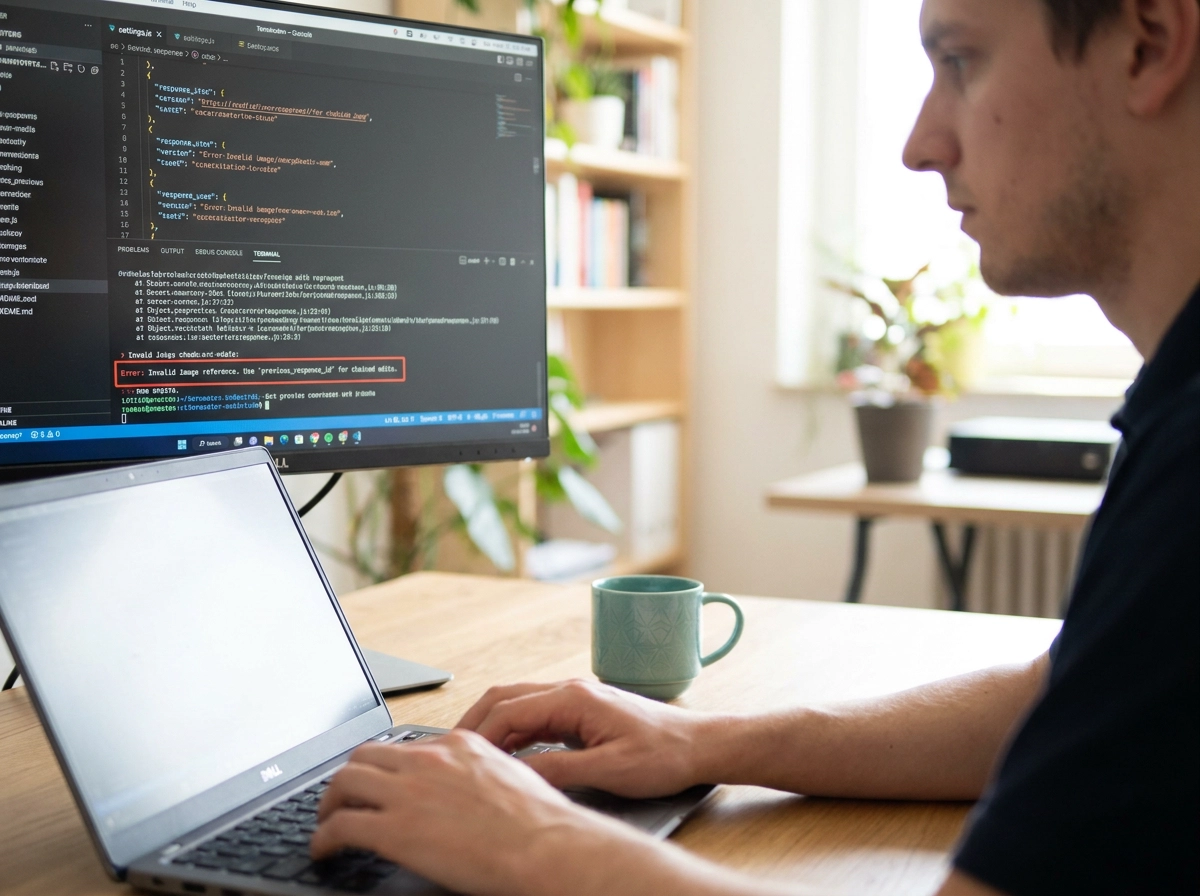
response_fwup = client.responses.create(
 model="gpt-5.6",
 previous_response_id=response.id,
 input="Now make the background darker",
 tools=[{"type": "image_generation"}],
)
The agent only sends the new instruction. The server handles continuity. This encapsulation is the whole point; delegating state back to the calling agent recreates the exact problem the architecture is meant to solve.
This has direct implications for how you evaluate any AI image editor MCP server. Ask one question: where does previous_response_id live between tool calls? If the answer is "in your agent's context" or "we return it for you to track," the server has shifted this complexity onto your logic. Local servers that do this are not wrong per se, but they require your agent to implement session state, persist the ID across turns, and detect chain breaks. For a hosted server, there is no good reason to accept that tradeoff.
Note also that store: true is a requirement for server-side persistence. That means images are stored on OpenAI's infrastructure for the duration of the session. Factor in data retention and cost implications for any production pipeline that processes sensitive or high-volume content.
For single-turn generation, none of this applies. Text-to-image, one-shot inpainting, a batch of product variants from a prompt: these complete in a single call and return cleanly. The previous_response_id constraint only becomes critical the moment your agent needs to iterate. Instructions like "remove the object on the left," "add a drop shadow," or "make the lighting warmer" all presuppose the prior image state. Without a valid previous_response_id threaded through those calls, each instruction starts a new generation rather than building on the last. The agent gets a plausible-looking image back every time; it just never builds the one it was iterating toward.
Wiring an Image MCP Server into Claude Desktop or Cursor
For a hosted, no-signup MCP server, the entire integration is a single URL entry in claude_desktop_config.json. No local process to start, no npm install, no API key sitting in a plaintext config file. The JSON block looks like this:
{
 "mcpServers": {
 "moltline-vision": {
 "url": "https://mcp.moltlinestudio.com/vision"
 }
 }
}
Paste that into your config, save, and do a full quit-and-relaunch of Claude Desktop. The server appears in the tool list on restart. The upstream API key, if one exists, stays server-side. Your config file contains nothing sensitive and is safe to commit.
For Cursor, go to Settings > MCP Servers and add the same URL. No separate config file to locate. The same endpoint works unchanged across Claude Desktop, Cursor, Windsurf, and VS Code because MCP servers are client-agnostic by design. One URL serves every compliant host. You do not need separate server instances or separate credentials per client.
Local servers like mcp-image follow a different pattern. The config requires a command key, an args array, and usually one or more environment variable entries for API keys. That is three to five more fields per server, each an additional place where a key can be hardcoded by mistake, logged, or leaked into version control. Communication runs over stdio, which also means the process must be running on the same machine as the client. Debugging a misconfigured command/args entry is a slower feedback loop than a URL returning a 4xx.
Before configuring any local server or sourcing a third-party key, check moltlinestudio.com/servers.html for the current list of hosted MCP server URLs and the exact tools available on the free tier. One hundred and ten of the 160 tools are accessible with no account and no API key: paste the URL, restart, call the tool. That will not cover the generation or editing step — nothing on /vision returns an image — but if the deterministic work around it is already hosted and free, that is that much less local setup to do.
How an Agent Buys Premium Tools With No Human Approval
Most MCP servers gate every capability behind an account creation flow. A human opens a browser, creates an account, enters payment details, generates an API key, and pastes it into a config file. That sequence works for humans. It breaks for autonomous agents that need to self-provision tooling at runtime.
The x402 payment protocol replaces that flow with a three-step machine-readable cycle. First, an agent sends a standard HTTP request to a premium endpoint. Second, the server returns a 402 Payment Required status with a JSON payload containing the amount, a recipient wallet address, supported networks, and a timeout window. Third, the agent constructs a signed stablecoin transaction, attaches it to the X-PAYMENT header, and retries. The server verifies the payment onchain and returns the resource. The full cycle completes without a human in the loop, with no session state and no credentials beyond the agent's own crypto wallet.
Moltline Studio serves a live x402 challenge, and where it lives is the counter-intuitive part. Point an agent at a premium /vision tool without a licence and the MCP endpoint does not answer 402 — it answers HTTP 200, because a JSON-RPC transport reports a refusal in the result body, not in the status line. That body states the price and redirects you to https://moltlinestudio.com/api. The real 402 is there: request that endpoint and an x402 demand for USDC on Base comes back in the headers and the body at once. Sign the payment, carry the transaction hash in the X-PAYMENT header, retry, and the licence key is issued.
The purchase closes with nobody in the loop and no card form breaking the pipeline mid-run. What the agent walks away with is a month of All-Access — the same $19 licence sold at the human checkout page, paid in cryptocurrency through NOWPayments — which lights up all 50 premium tools across every server and can be dropped at any time. Nothing about it is metered per call: an agent that needs nms exactly once still buys the full month. On /vision those premium tools are nms and detection_metrics, not an image generator.
This distinction matters architecturally. The protocol turns any API endpoint into a paywall that machines can navigate without human intervention or subscription accounts. A pipeline that requires a human to log in mid-run is not autonomous by definition; it is a human-assisted workflow with extra steps.
When evaluating any MCP server for image tooling, the monetisation model is a first-class technical criterion alongside latency and schema quality. The practical question is binary: can the agent complete the full payment flow itself, or does it stall waiting for a human to handle credentials? Servers that require OAuth login, email verification, or manual key generation eliminate themselves from truly autonomous pipelines regardless of how capable their tools are.
What to Check Before Choosing an Image MCP Server
Five questions are worth running through before you commit to any image MCP server.
Hosted or local? A local server adds three things to your stack: process lifecycle management, credential storage on the host machine, and a hard machine dependency. If that machine goes down, your agent pipeline goes down with it. A hosted server removes all three. You paste a URL, the connection works, and infrastructure responsibility sits with the server operator, not your environment.
Keyless free tier? The only reliable way to validate fit is to make a real tool call before entering a credit card or API key. A no-signup free tier removes the commitment risk. If a server requires account creation before call one, you are accepting a dependency before you have confirmed the tool does what you need.
State management? Multi-turn image editing requires tracking previous_response_id across calls. If the server handles that server-side, your agent logic stays simple. If it pushes that responsibility to you, every pipeline you build needs its own state machine. Confirm which model the server uses before you build on top of it.
Flat rate or per-call? Image generation APIs charge per call. A single agent request can trigger generation, inpainting, and variation calls in sequence. Per-call costs compound fast in production pipelines. Whatever generator you sit on top of, price the whole chain, including the non-generative tools wrapped around it — a flat $19/month licence on that surrounding layer at least keeps one part of the bill predictable while the generation calls stay variable.
Client compatibility? MCP is client-agnostic in the spec. In practice, transport method and authentication flow vary by client. Test the server against your actual target, whether that is Claude Desktop, Cursor, Windsurf, or VS Code, before building a dependency on it. Assume nothing; a quick connection test takes two minutes.
Takeaways
Most image-capable MCP servers require a local install or an API key before the first call succeeds. Hosted, no-signup options are rare in the current ecosystem, and they are worth prioritising if you want clean, portable agent pipelines.
Multi-turn image editing via the Responses API image_generation tool requires server-side previous_response_id management. Evaluate any candidate server on this specific point before writing multi-turn agent logic against it. A server that omits it will silently break your edit chains.
The x402 pattern enables agent-native provisioning of premium tools with no human approval loop. Confirm whether your chosen server exposes an HTTP 402 challenge before assuming autonomous purchase flows are possible.
Moltline Studio's /vision server is not one of the editors compared above. It is the measurement and geometry layer around one: probing dimensions, converting bounding boxes, planning resizes, checking contrast, deduplicating and scoring detections. Paste https://mcp.moltlinestudio.com/vision into your MCP client, make one call, confirm it returns a result, then decide whether the $19-a-month All-Access licence covers the premium tools you need. You will still need a generator or editor for the pixels.
Check moltlinestudio.com and the open SKILL.md files on GitHub for current server URLs, tool lists, and skill definitions before writing agent logic against any specific tool.
Conclusion
Choosing the right AI image editor for your MCP stack is not a casual decision. The tool you wire in shapes your pipeline's latency, cost trajectory, and long-term flexibility in ways that compound at scale.
Here are the key takeaways to carry forward:
API surface area matters. More granular control means more powerful automation.
Output consistency under load separates production-ready tools from demos.
Pricing models behave very differently once volume increases.
Your use case should drive the decision, not feature lists alone.
Now is the time to run a focused proof of concept with your top two candidates under realistic workload conditions. Test edge cases early, benchmark latency honestly, and stress-test the pricing math before committing.
The right integration does not just save time; it unlocks capabilities your workflow could not touch before. Build it intentionally.