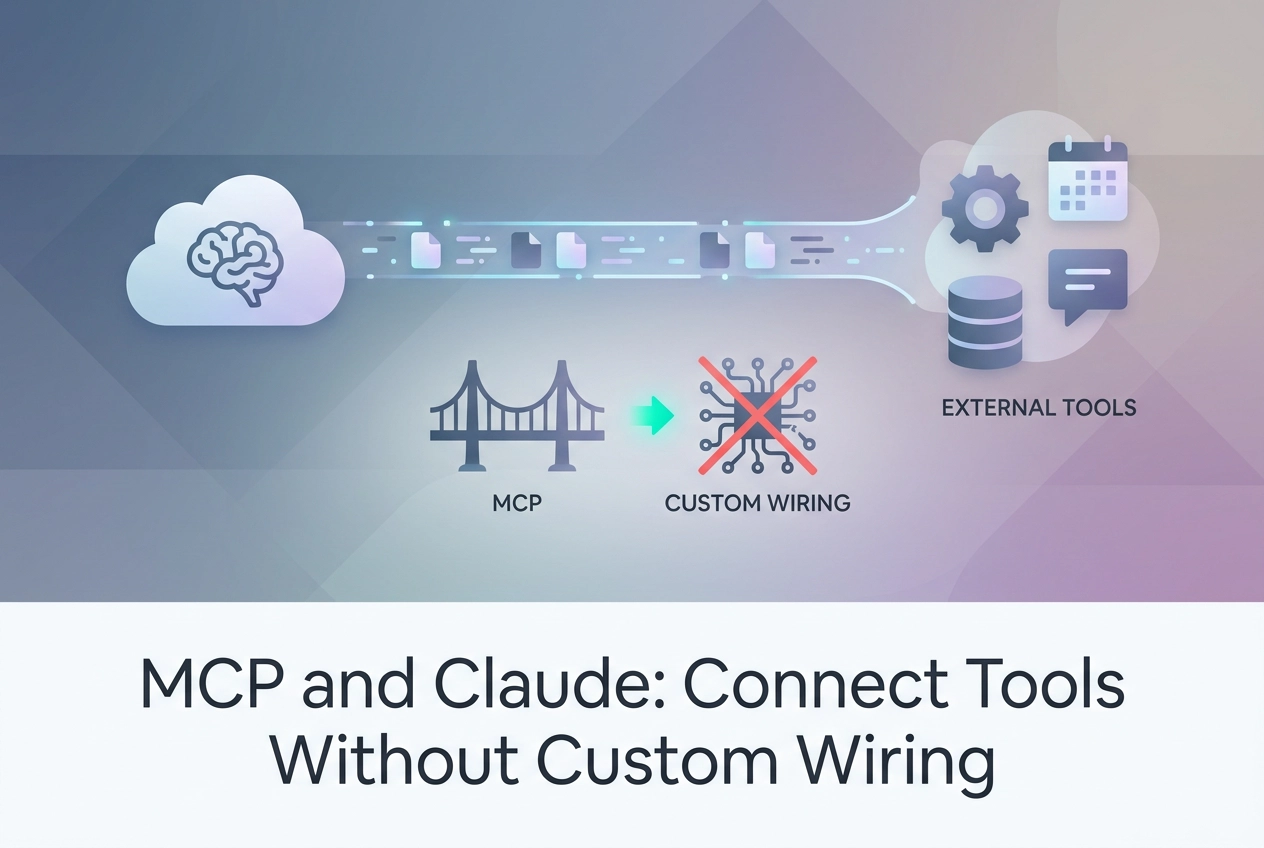
Every tool integration used to mean the same tedious cycle: write a wrapper, handle authentication, normalize the response schema, and hope nothing breaks when the API updates. MCP Claude changes that entirely.
The Model Context Protocol is the standard layer Claude uses to discover and invoke external tools without any custom wiring on your end. Paste in an MCP endpoint, and Claude immediately knows what tools are available, what parameters they expect, and how to call them in sequence or in parallel. The ecosystem is already moving fast; third-party MCP servers are actively being published, check the MCP Registry at github.com/modelcontextprotocol before building.
This tutorial walks you through everything you need to put that into practice. You will learn how to connect an endpoint directly in Claude, understand the difference between free and paid tool discovery using the HTTP 402 pattern, and navigate the configuration differences between Claude Code and Claude.ai. You will also get a clear picture of the 22 hosted servers, how SKILL.md fits into an agent workflow alongside MCP, and when it makes sense to build your own server rather than rely on hosted options. Let's get into it.
What MCP Does for Claude
MCP (Model Context Protocol) is a protocol, not a library. Claude reads a tool manifest directly from the endpoint at runtime. No SDK is required on the consumer side; you paste a URL, and Claude does the rest.
The manifest is a structured JSON payload that exposes each tool's name, input schema, and description. Claude parses this at connection time and uses it to decide which tool to call, with what arguments, and at what point in a conversation or agent loop. If the description is clear and the schema is tight, Claude selects the right tool without any prompt engineering on your part. For a deeper explanation of how servers expose these manifests, see what an MCP server actually is.
Full loop support is built in. Claude can define tools, handle tool call results, fire parallel tool calls in a single turn, and enforce strict tool use where only tools on an explicit allowlist are permitted. That last mode matters for production agents where you want deterministic behavior and a limited blast radius.
Because the MCP specification standardizes the endpoint format, the same server URL works in Claude, Claude Code, Cursor, and Codex CLI without any modification to the server. One endpoint, four clients.
Anthropic's platform documentation covers the protocol spec thoroughly. This article focuses on the practical layer: which endpoint to paste, which tools are free, and how autonomous payment discovery works when a tool is behind a paywall.
Paste an Endpoint Into Claude
Now that the protocol is clear, here is how to wire a server in under two minutes.
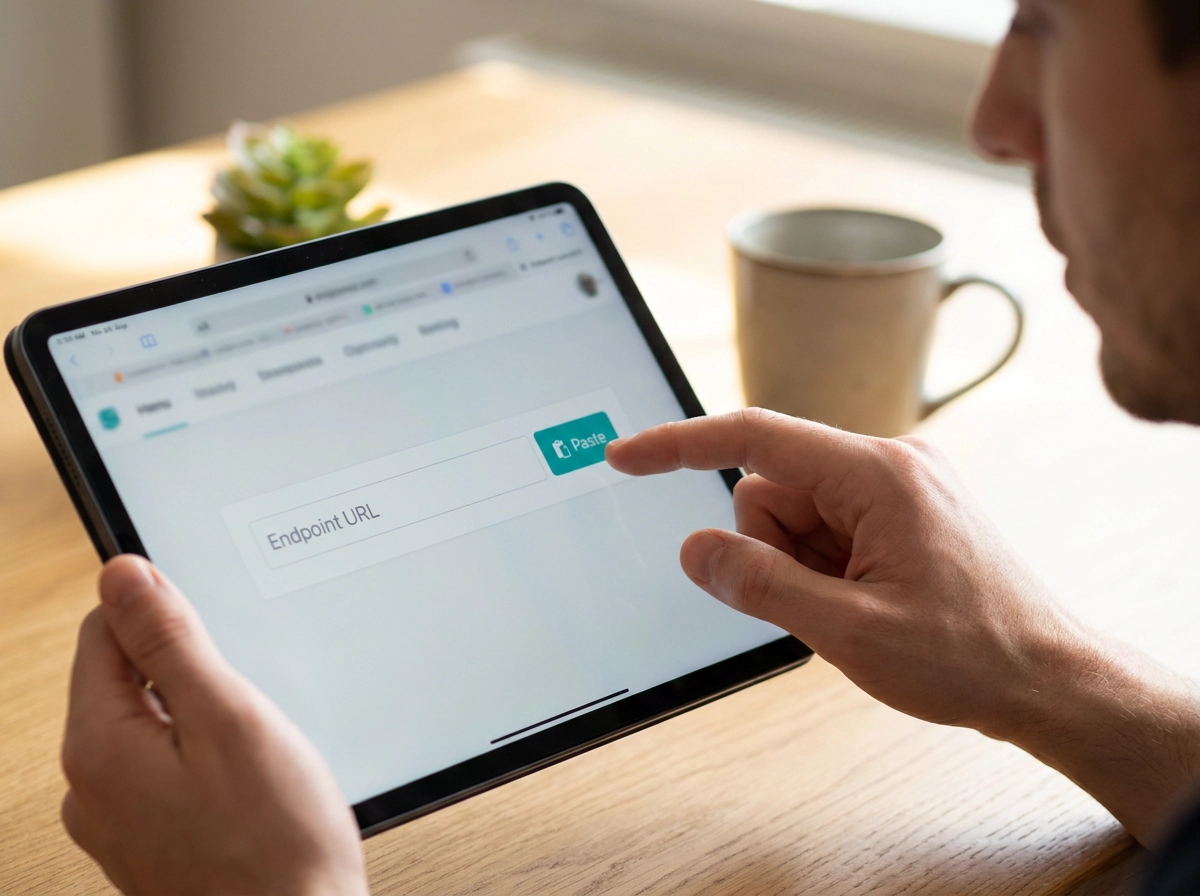
Claude.ai: go to Settings via Settings (look for Integrations or MCP Servers, the exact path may vary by version). Paste a Streamable HTTP endpoint URL and save. No account, no API key, no signup required for the free tier.
Try it with the fetch server:
https://mcp.moltlinestudio.com/fetch
The tools that server exposes appear in your tool picker immediately. No further configuration needed.
Claude Code: add the server in the agent SDK MCP config block. The endpoint format is identical:
{
 "mcpServers": {
 "fetch": {
 "url": "https://mcp.moltlinestudio.com/fetch"
 }
 }
}
For a worked walkthrough using an image-focused server, see Wiring an Image MCP Server into Claude Desktop or Cursor.
Calling a tool: once the server is registered, send a message that requires one of its tools. Claude will call the tool, receive the result, and continue the conversation inline. The raw tool call and response are visible in the agent trace, so you can inspect exactly what was sent and returned.
One hard limit to state plainly: the 110 free tools carry no authentication layer. Any request you send is public compute. Do not pass API keys, tokens, passwords, or any sensitive data through them. Use them for public data retrieval and stateless operations only.
Free vs. Paid Tool Discovery and the HTTP 402 Pattern
The free tools work without friction. The 50 premium tools work differently, and most MCP servers don't tell you how.
The common failure mode: an agent calls a paywalled tool, gets a generic 4xx response, and has no machine-readable path forward. No price. No address. No instructions. The loop stalls.
The /api endpoint at mcp.moltlinestudio.com handles this differently. Send a GET /api request and the server returns an HTTP 402 conforming to the x402 standard. The response body is JSON containing the price, the payment address, and the chain. An agent can parse that response, settle on-chain, and retry without a human in the loop.
The raw exchange looks like this:
Agent sends
GET /apiServer returns
402with a JSON body: price, payment address, chainAgent broadcasts the on-chain transaction
Agent re-sends the original request with a payment proof header attached
Server verifies the proof and returns the tool result
HTTP 402 has been reserved since 1997 but went largely unused until agentic commerce created a real need for it. For a deeper walkthrough of the mechanics, see The x402 Pattern: When an Agent Needs a Premium Tool.
The 110 free tools skip this gate entirely — no 402, no payment header.
Claude Code vs. Claude.ai: MCP Configuration Differences
Claude.ai surfaces all tools from a connected server in the UI by default. You connect a server via Settings (look for Integrations or MCP Servers, the exact path may vary by version), paste your Streamable HTTP URL, and save.
Claude Code uses an agent SDK configuration block where you declare which tools the agent may call. A minimal example:
{
 "mcpServers": {
 "fetch": {
 "url": "https://mcp.moltlinestudio.com/fetch"
 }
 }
}
The practical difference that matters in production: Claude.ai surfaces all tools from a connected server by default, while Claude Code lets you declare explicit tool scope in the config block (check current Claude Code documentation to confirm field names and syntax). For a production pipeline where one miscalled tool could modify data or trigger a side effect, that restriction limits blast radius.
Cursor and Codex CLI accept the same Streamable HTTP URL format. MCP Servers for Cursor, Claude Code, and Codex covers client-specific setup in more detail. MCP is client-agnostic by design: build or connect a server once, reuse it across all four clients without touching the server code.
What the 22 Hosted Servers Cover
Once you know which client you are using, the next question is what tools are actually available to wire in.
The 22 servers (110 free tools, 40 premium) are all reachable at mcp.moltlinestudio.com/<server>.
One All-Access licence at $19/month unlocks all 50 premium tools. Payment is in cryptocurrency only. One person builds and runs every server; there are no third-party tools and no marketplace listings. What you see at the endpoint is what was built and is operated by that one person.
Before you commit to a licence, you can start with free tools and audit before you commit. Most servers mix free and premium tools on the same endpoint. Call the free tools first to confirm the server behaves as expected in your client, then purchase if you need the premium tier.
MCPize audit grades are publicly available for each server. Grades run A+ to B+, and each result has a public URL you can open without logging in. Check the grade before wiring any server into a production agent pipeline. A lower grade does not necessarily block use, but it gives you a concrete signal about what to verify manually.
If you prefer discovery through a curated channel rather than working directly from the endpoint list, the servers are also distributed through Agensi.
SKILL.md: Agent Skills Alongside MCP
MCP handles the transport layer: structured input, structured output, one tool call at a time. It does not store how your agent should think, sequence tasks, or decide when to call which tool. That behavioral layer is where SKILL.md fits in.
A SKILL.md file is a reusable agent behavior definition: prompt patterns, decision logic, and task sequences that live in your repo alongside your code. It is not a protocol endpoint. It is a commit-time artifact you version, fork, and share.
138 open SKILL.md agent skills are available at GarphenGate/moltline-oss on GitHub. No account required to clone or fork. Every skill is free to use and extend. For background on how SKILL.md functions as a distinct licensing primitive within the AI software stack, that post covers the conceptual framing.
Two free tools support the workflow:
SKILL.md linter: validates skill format before you commit. Catches structural errors locally, before they break an agent at runtime.
Agent-readiness checker: scores your full agent setup and flags gaps before you go to production. Run it before wiring any new server into a live pipeline.
Neither tool requires an account.
The two layers are complementary by design. A skill can instruct an agent to call a specific MCP tool at the correct point in a workflow. For example, a skill defining a data-fetch sequence can specify which mcp.moltlinestudio.com tool to invoke, passing the right parameters at the right step. Reusable behavior plus external tool access, composed at the repo level.
When to Build Your Own MCP Server vs. Use Hosted
The right choice depends on one question: does the tool need access to systems you cannot expose to an outside endpoint?
Build your own if the answer is yes. Internal APIs, private databases, and proprietary services should not route through a third-party host. The MCP spec is open, the SDKs are on GitHub at github.com/modelcontextprotocol, and the Registry provides infrastructure for publishing once you're ready. The architecture tradeoffs between managed and self-hosted MCP servers are worth reviewing before you start writing code.
Use hosted servers if the tool category already exists and you want zero maintenance. 22 servers cover a broad range of common agent tasks. No infra to provision, no updates to ship, no endpoint to keep alive.
Check the MCP Registry before building. Third-party servers are actively being published, check the MCP Registry at github.com/modelcontextprotocol before building. The category you need may already exist.
Honest tradeoff: a hosted server is a dependency you do not control. If the endpoint goes down or a tool signature changes, your agent breaks. Factor in your tolerance for that risk against the engineering cost of owning the server yourself.
Hybrid is usually the right call. Use hosted servers for commodity tools, web fetch, file handling, or anything without sensitive data. Build your own only for tools that require internal access or custom behavior that no existing server covers.
Next Steps
Once you have decided where your tools come from, the fastest way to validate the whole setup is to run something real.
Paste https://mcp.moltlinestudio.com/fetch into Claude or Claude Code now. Connect it via Settings (look for Integrations or MCP Servers, the exact path may vary by version) in Claude.ai, or drop it into your MCP config block in Claude Code. Either way, you are calling live tools within a minute.
Before you build further, run the agent-readiness checker. It scores your current setup and surfaces gaps before they become production problems. Where to Start Today has a starting checklist if you are still orienting.
Clone or fork the 138 open skills at GarphenGate/moltline-oss; the SKILL.md linter validates before you commit.
If you need the full tool surface, the All-Access licence is $19/month. Cryptocurrency only. One purchase unlocks all 50 premium tools across all 22 servers. Nothing else to configure.
Finally, before wiring any MCP server into a production pipeline, pull its MCPize audit grade. Each result is a public URL. Spend two minutes on the audit before you spend two days debugging a misbehaving server.
Conclusion
MCP removes the custom wiring that once made tool integration expensive and slow. You now have three clear paths: paste a hosted endpoint and get tools in under a minute, layer reusable SKILL.md behaviors on top for complex agent workflows, or build your own server only when internal access demands it.
Before any server touches production, run the MCPize audit. Two minutes of grading prevents two days of debugging.
Paste https://mcp.moltlinestudio.com/fetch into Claude now and start there.