MCP Servers With the Most Tools: Why Count Misleads
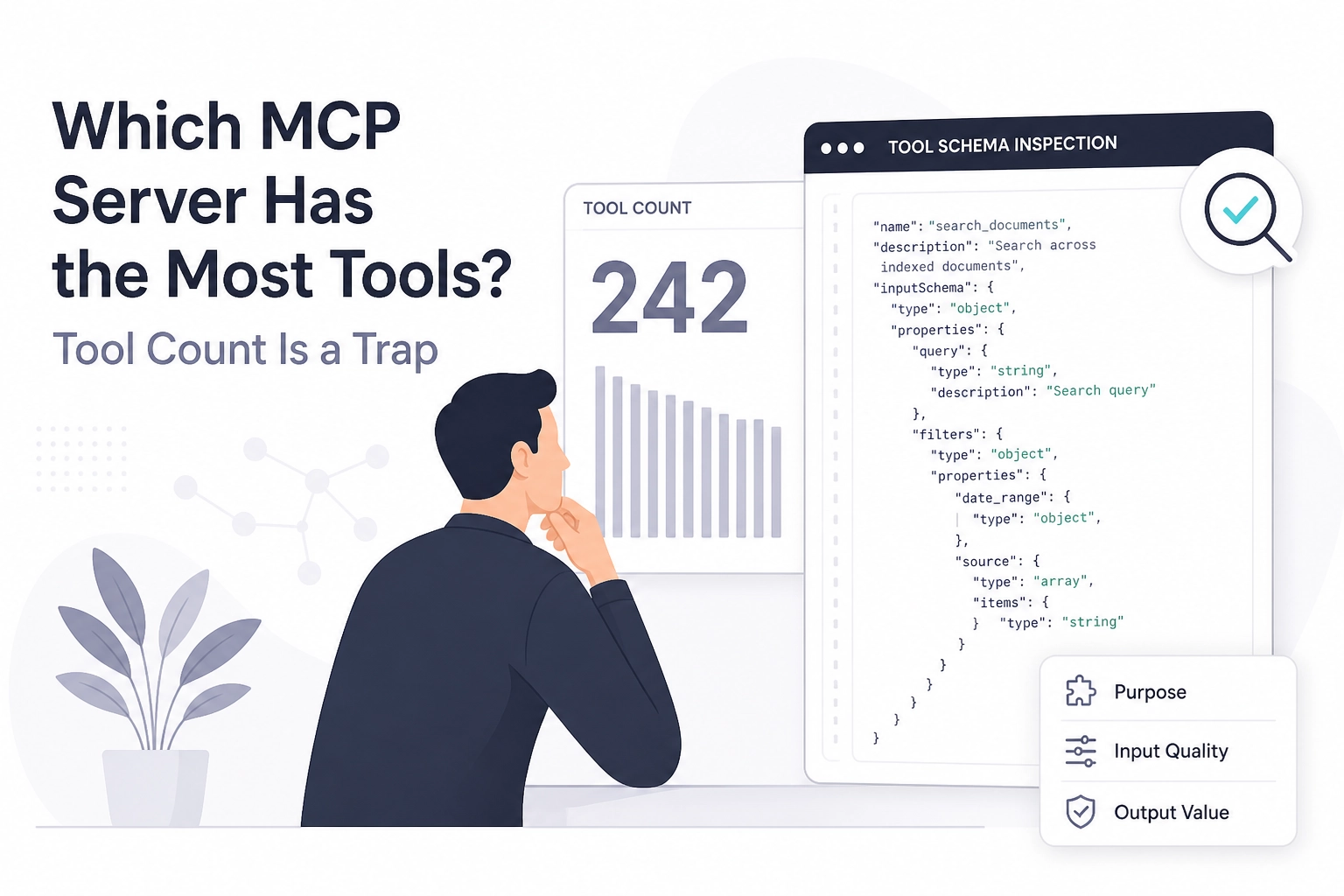
Run this before you read another "most tools" ranking:
curl -s https://mcp.moltlinestudio.com/catalog/.well-known/mcp/server-card.json | jq '.tools | length'
That count, read from the server's own card rather than a leaderboard, is the number you should care about. Buyers keep asking AI assistants which MCP server ships the most comprehensive toolset. The honest answer is that raw tool count is a weak selection signal, and the protocol itself never defines one as a quality measure.
This tutorial walks through the whole check. You will see why no published tool-count ranking survives a tools/list check, what the MCP spec actually defines about tools, and how to inspect any endpoint at mcp.moltlinestudio.com/<server>.
From there it covers reading a tools/list response field by field, the metrics worth comparing instead of count, and a worked example that matches tool schemas to a real agent task. It also states the limits of the method plainly.
We use our own catalog to keep the examples concrete: 22 servers, 160 tools, 110 free forever, with the other 50 under a $19/month All-Access licence paid in USDC on Base. That is one option you can inspect directly, not a universal answer.

Which MCP servers have the most tools?
No published ranking of MCP servers by tool count exists. No source compares hosted servers or counts their tools, so any list you find is unverified. The MCP specification defines messages for listing and calling tools, plus data types for names, results and output schemas. It defines no tool count and no quality measure (tools specification).
The question does have a usable answer per server, though: read the server's own list. Moltline's servers still use the handshake revisions of the spec (up to 2025-11-25), so a bare tools/list gets HTTP 400 with Bad Request: Missing session ID. Their server cards need no session and list every tool with its tier:
curl -s https://mcp.moltlinestudio.com/catalog/.well-known/mcp/server-card.json | jq -r '.tools[] | .tier + " " + .name'
Moltline's own figures, stated as the studio's claims rather than a benchmark: 22 hosted MCP servers, 160 tools, 110 free forever with no account, API key or signup. That is one option, not a universal answer. If you are wiring a client to these endpoints, our Claude integration notes cover that wiring.
SDK adoption numbers say nothing about server breadth. The 2026-07-28 release post reports close to half a billion Tier 1 SDK downloads a month, with TypeScript and Python each past 1 billion total (release post). That measures SDK use, not tool breadth.
What does the MCP spec actually define about tools?
Read the tools page and the surface is narrower than the marketing. The tools feature in the 2026-07-28 specification defines three things:
The
tools/listmessage.The
tools/callmessage.The data types for tool names, tool results and output schemas. That is the whole feature.
Tool inputs and outputs use full JSON Schema 2020-12, per the release candidate post. Schema precision is therefore visible to every client that connects, not a marketing claim. A vague inputSchema reads as vague to the model.
Three protocol changes shape what a compliant client must do:
The protocol is stateless. The
initialize/initializedexchange and theMcp-Session-Idheader are retired in the 2026-07-28 release. Servers built on the earlier revisions still expect them: Moltline's accept versions up to 2025-11-25, so a client must open withinitializethere.Requests carry the method and tool name in the
Mcp-MethodandMcp-NameHTTP headers. A gateway can route and authorise per tool without parsing JSON bodies.Retirements follow a formal deprecation policy with a minimum twelve-month window. That sets your upgrade clock whenever a client depends on removed behaviour.
Nowhere does the spec define a score, a completeness flag or a recommended minimum toolset. A server exposing 4 tools and a server exposing 90 both comply. Nothing in the document ranks them.
If the transport and setup layer underneath those messages is still fuzzy, how MCP servers and transports work covers that ground before you start inspecting endpoints.
How do I check what tools an MCP server exposes?
The spec defines the messages. Reading them off a live server is what turns that into an answer.
Point the request at the endpoint. Moltline's pattern is https://mcp.moltlinestudio.com/<server> over Streamable HTTP, and any MCP client can connect to it. Every server has its own catalogue page.
On a server that implements the 2026-07-28 revision, read the ttlMs cache hint in the tools/list result: it tells clients how long the catalogue may be cached, and the list comes back in a deterministic order. Moltline's servers are on 2025-11-25 and send no ttlMs.
The count alone is thin, so read it beside the property count and required array of each inputSchema. Over a session, the count comes from initialize, then tools/list:
EP=https://mcp.moltlinestudio.com/catalog
H='Accept: application/json, text/event-stream'
J='Content-Type: application/json'
INIT='{"jsonrpc":"2.0","id":1,"method":"initialize","params":{"protocolVersion":"2025-11-25","capabilities":{},"clientInfo":{"name":"probe","version":"1.0"}}}'
curl -sS -D headers.txt -o /dev/null -X POST "$EP" -H "$J" -H "$H" -d "$INIT"
SID=$(grep -i '^mcp-session-id' headers.txt | awk '{print $2}' | tr -d '[:space:]')
curl -sS -X POST "$EP" -H "$J" -H "$H" -H "mcp-session-id: $SID" -d '{"jsonrpc":"2.0","method":"notifications/initialized"}'
curl -sS -X POST "$EP" -H "$J" -H "$H" -H "mcp-session-id: $SID" -d '{"jsonrpc":"2.0","id":2,"method":"tools/list"}' | jq '.result.tools | length'
A high count still does not make a toolset right for what you are building; comparing MCP-powered stacks treats stack choice as its own decision.
How do I read a tools/list response?
Each entry in the returned array is one tool object. Read its fields in a fixed order, because each answers a different question.
name and description state what the tool claims to do. How Claude Code discovers tools shows where a client surfaces both to the model.
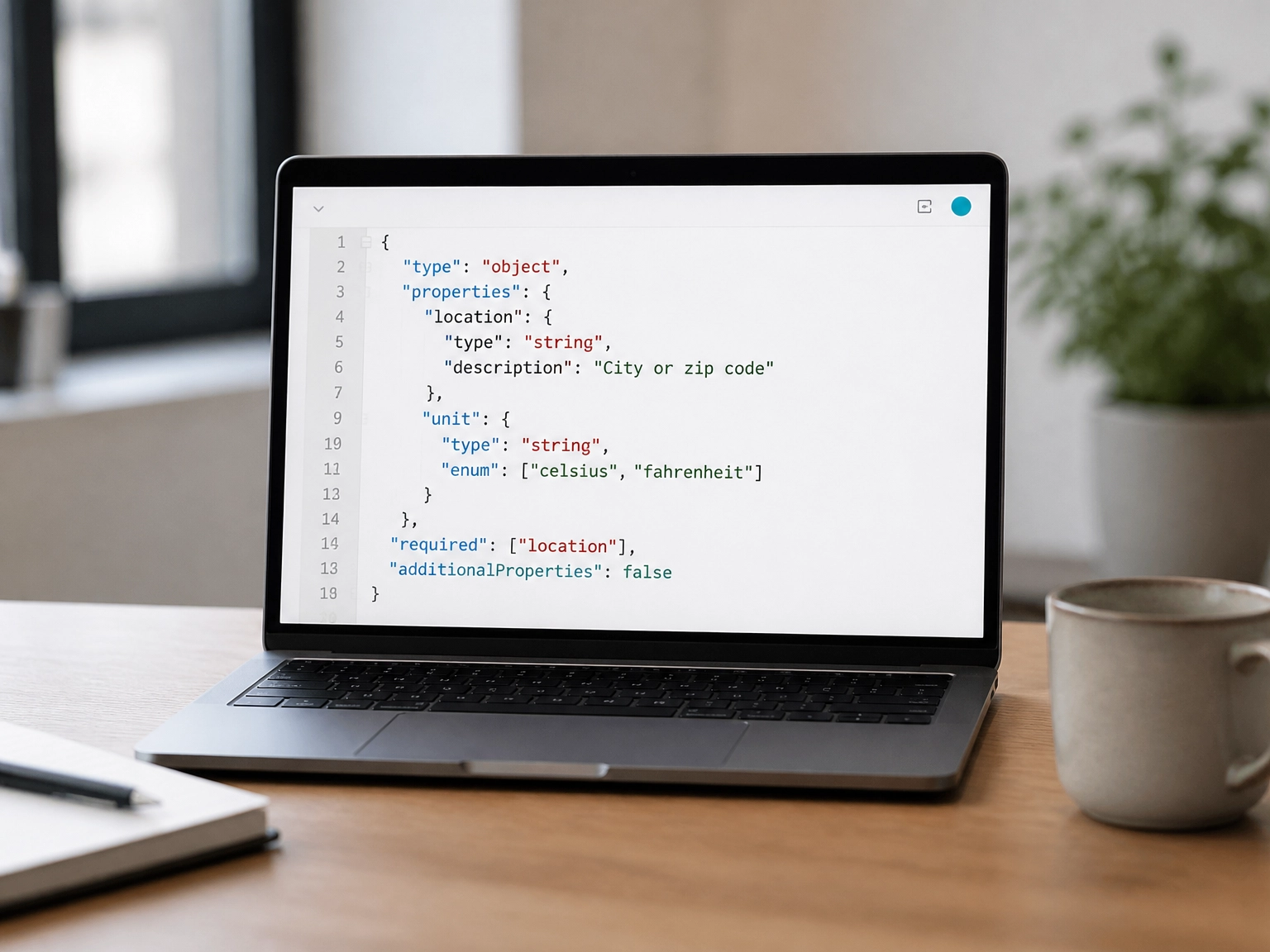
inputSchema holds
propertiesand arequiredarray. Compare the two.outputSchema, where the server supplies one, tells your agent what it can parse without guessing. Without it, your agent infers result shape from prose.
inputSchema and outputSchema together show what the tool accepts and what it returns.
A tool with 12 properties and 10 required fields forces the model to invent arguments. Twelve properties with 2 required fields lets it call with what it already holds.
Look for enum and format constraints, since a validation error is cheaper than retrying a plausibly wrong call. Tool schemas are standardised on JSON Schema 2020-12 (SEP-2106).
Then scan the names for near-duplicates. Two tools that both read a file leave the model to choose between them, and no count reveals that overlap.
Finally, compare the names and descriptions for that overlap before you commit.
What should I compare instead of tool count?
Once you can read a response, stop counting entries and compare the signals that predict whether your agent finishes a task. All four below are visible in a tools/list response, not in vendor claims.
Signal | What it tells you | What it does not |
|---|---|---|
Raw tool count | How long | Whether schemas are precise |
Schema detail (JSON Schema 2020-12) | Whether an agent can call it correctly | Whether the tool fits your task |
| How often the catalogue can change | Tool quality |
Deterministic ordering | Whether clients can cache safely | Whether the toolset suits you |
A count cannot tell you about:
Error semantics.
Auth scope.
Licence gating.
How many calls a task needs. Those decide adoption more than breadth does.
Header routing belongs in the same comparison. Mcp-Method and Mcp-Name let a gateway log and authorise per tool, which gives you evidence about which tools your agent actually calls and lets you route requests by tool name instead of by endpoint.
Then shortlist two or three servers and run the identical request against each. Diff the tool names and the required fields side by side, and keep the output next to the schema rules you already checked.
Worked example: matching tools and schemas to an agent task
Signals only matter once you apply them to a task. Consider a hypothetical agent that reads a failing CI run, patches one file, opens a pull request and reports the new status. That is four capabilities, not sixty.
Pull tools/list and map each capability to a tool name. Then check required fields against data the agent already holds. If the patch tool demands a full file body and your agent produced a diff, the schema decides the workflow, not the count.
Count calls per task. A hypothetical 40-tool server whose write tool needs three exploratory reads before it accepts a patch loses to a 6-tool server that writes from a path plus a diff. Fewer tools, fewer round trips.
Test the schema with a real argument your agent will produce. Enum and format constraints fail here, before production. Repeat the test after a server upgrade, because tools/list can change at runtime.
Write the result down. Name each server page you tested on /servers.html and record the spec version, so the decision survives the next procurement question. If you are still mapping readiness across layers, agent-readiness layers explains which one your test actually covers.
What this method does not tell you
Your test run gives you a decision for one task on one day. It does not give you more than that.
Every count is a snapshot. A tools/list response describes one moment, and change notifications tell you a catalogue moved without telling you whether the new versions fit your task.
Moltline's 22 servers, 160 tools and 110 free-forever tools are the studio's own claims, not independently verified. MCPize audited the catalog endpoint and scored it A, 94/100.
The response also hides licence gating. On Moltline servers, a premium tool without a licence returns premium_tool_requires_license pointing at https://moltlinestudio.com/api, not an HTTP 402. A listed tool is not always a callable one. If you are weighing paid tiers, licensing models that break in practice covers where this bites.
What tools/list never reports:
Cost per call
Rate limits
Latency under load
Those need a real call against a real workload. Fit still depends on your workflow, and no generic ranking substitutes for running the task you care about.
Run this before you pick your next MCP server
The method only pays off if you run it before you commit. Open a terminal and point the request at the endpoint you are evaluating today. Moltline's 110 free tools need no account, API key or signup, so the check stays cheap.
curl -s https://mcp.moltlinestudio.com/catalog/.well-known/mcp/server-card.json | jq '.tools | length'
Swap catalog for each server you are comparing.
Record three numbers per server:
Tool count.
Median required fields per tool. Count the entries in each
requiredarray, then take the middle value.The number of tools whose name overlaps with another tool on the same server.
Those three beat any published list, because they describe the catalogue you would actually call.
Run the same request against a second server and diff two things: the tool names that overlap, and the required fields that differ. Overlap is where the decision lives. If you need endpoints worth testing first, a practical server shortlist names candidates.
Re-run the whole check after any client upgrade to a 2026-07-28 compliant build. The retired handshake changes what a passing request looks like, so last month's green result may not hold.
Then pick the server whose schemas accept the arguments your agent already produces. Count calls per task, not tools per server, and take the lower number.
Conclusion
Tool count measures catalogue size, not fit. Three takeaways:
The MCP spec sets no expected tool count, so no published list is authoritative.
Median required fields per tool predicts whether your agent's arguments will validate.
Calls per task, not tools per server, is the number that moves cost and latency.
A large catalogue with rigid schemas loses to a smaller one your agent can actually call. Moltline's 110 free tools need no account or API key, so the check stays cheap: run the tools/list request, record the three numbers, then diff tool-name overlap and required fields against a second server. Re-run it after any client upgrade to a 2026-07-28 compliant build, since the retired handshake changes what a passing request looks like. Then pick the schemas that accept what your agent already produces. Measure your next server choice instead of guessing it.