Most Claude Code users hit the same wall: you want to extend your agent's capabilities, but every tool integration comes with hoops to jump through. Account signups, API key management, OAuth flows, and half-finished documentation that assumes you already know what you are doing.
MCP (Model Context Protocol) cuts through that friction. It is a standard integration method built directly into Claude's platform infrastructure, and it means you can activate new tools by pasting a single endpoint URL. No authentication setup, no dependency installs, no waiting on approval emails.
This tutorial walks you through exactly how that works. You will learn what MCP actually unlocks for a Claude Code user, what prerequisites to check before you start, and how to paste a Streamable HTTP endpoint directly into Claude Code in a few steps. You will also get a working list of 110 free tools from Moltline Studio that are live and ready to use right now, plus an introduction to portable SKILL.md agent skills published as open source on GitHub. By the end, you will know when native tools are sufficient and when pulling in external MCP tooling is worth it.
What MCP Actually Gives a Claude Code User
MCP is part of Claude's platform infrastructure, not a plugin or third-party workaround. Anthropic created and open-sourced the protocol, announcing it in November 2024; the integration is native to Claude Code from the ground up.
What the native tools do not cover
Claude Code ships with bash, code execution, web search, computer use, and browser use. Those handle general development tasks well. What they do not do is call domain-specific APIs, query a particular database schema, or expose a custom tool set your workflow depends on. MCP fills that gap. Each MCP server registers its own tools, and Claude Code treats them as first-class citizens alongside the native ones.
One endpoint, full tool set
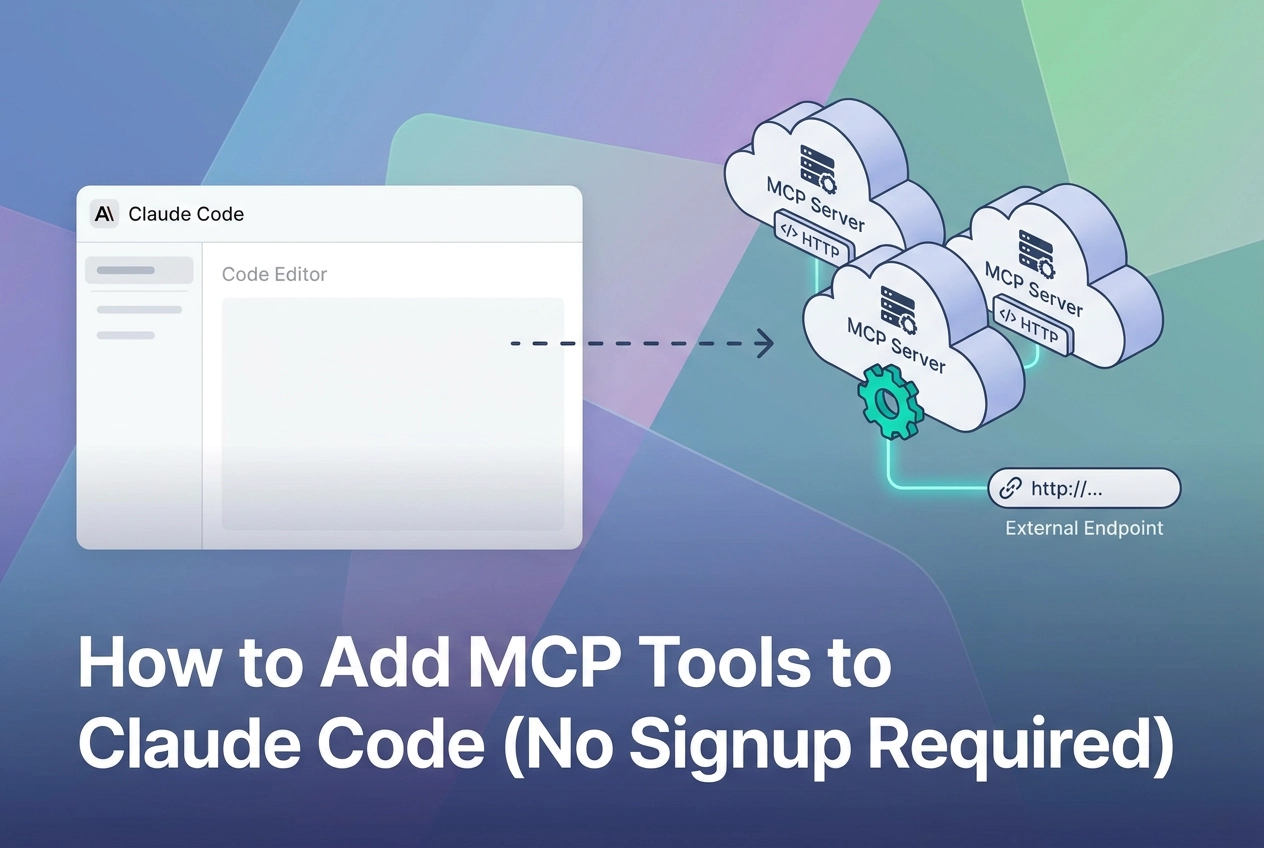
Activating an MCP server inside Claude Code requires one Streamable HTTP endpoint URL. No SDK import, no build step, no manifest file to write by hand. Paste the URL into the MCP server settings, save it, and the server's entire tool set appears in your active tool list. The mechanics behind the protocol are covered in plain terms in MCP: The TCP/IP of the Agentic Layer, Explained in Plain Language.
Reusable across clients
The same endpoint works in Claude, Cursor, Codex CLI, and any other MCP-compatible client. Wire a server in once; it is available everywhere you work. No per-client reimplementation.
How Claude routes to MCP tools
Once registered, MCP tools appear in the tool list alongside bash and web search. Claude routes to them by reading the tool name and description, matching them against the task, and calling the appropriate one. There is no separate invocation syntax to learn.
What You Need Before You Start
Before wiring in any server, confirm you have these three things.
Claude Code installed and running. The steps ahead assume Claude Code is already on your machine and you can open it. If you are starting from scratch, follow Anthropic's official setup guide first, then return here.
A Streamable HTTP MCP endpoint URL. This is a plain HTTPS URL pointing to an MCP server. For example, every server at mcp.moltlinestudio.com/<server> is a valid Streamable HTTP endpoint. You will paste this URL directly into Claude Code's MCP settings. No SDK, no wrapper, no local process to run. If you want a concrete starting point before the next section, the Wiring an Image MCP Server into Claude Desktop or Cursor walkthrough shows the same endpoint pattern in a different client, which helps build the mental model.
Nothing else for free-tier servers. This is the part most developers expect to be more complicated. For the 110 free tools at mcp.moltlinestudio.com, the endpoint URL is the entire credential. No API key, no account, no signup flow. Paste the URL and the tools are available. Premium tools require an All-Access license, covered later. If you have these three items, you are ready to proceed.
Pasting an MCP Endpoint into Claude Code: Step by Step
With your endpoint URL in hand, registration takes about thirty seconds.
1. Open the MCP settings panel
In Claude Code, run /mcp in the terminal interface, or open your Claude Code settings JSON directly. The JSON file is the more reliable path if you want a permanent, version-controllable entry.
2. Add the server entry
Paste this minimal config block into your settings.json under the mcpServers key:
{
 "mcpServers": {
 "moltline-example": {
 "type": "http",
 "url": "https://mcp.moltlinestudio.com/<server>"
 }
 }
}
Replace <server> with the actual server slug. No headers block is needed for free-tier endpoints; there is no API key to send.
3. Confirm tool registration
Save the file and reload Claude Code. Open the tool list (the /mcp command shows registered servers and their tool counts). Each tool name and its description are pulled directly from the server's manifest. You should see a list like tool_name: short description for every tool the server exposes.
4. Call a tool
Use plain language in your prompt: "Use the moltline-example server to..." Claude Code resolves the correct tool from the registered server without explicit syntax. If you prefer an explicit invocation, address the tool by its manifest name as shown in the tool list.
What success looks like
Tools appear in
/mcpoutput with names and descriptionsNo
401or403error on the server entryFirst tool call returns a JSON result, not a connection error
What failure looks like
Empty tool list: the URL is wrong or the slug does not match a live server; double-check the endpoint against the server listing.
Connection refused: a network or firewall issue, not an auth issue. Free-tier endpoints require no credentials.
type** field missing:** Claude Code requires"type": "http"for Streamable HTTP servers; omitting it causes silent registration failure.

Free MCP Tools You Can Paste In Right Now
Once the endpoint format clicks, the next question is: where do you actually point it?
Moltline Studio runs 22 hosted MCP servers exposing 160 tools total, with 110 of them free. No signup, no API key, no account. The endpoint is the only credential. Paste it; the tools activate.
Three servers worth testing first:
https://mcp.moltlinestudio.com/fetch- HTTP fetch and content extraction tools. Useful for agents that pull and parse web content.https://mcp.moltlinestudio.com/filesystem- File read, write, and directory traversal tools. Solid starting point if your agent manages local artifacts.https://mcp.moltlinestudio.com/data- Data transformation and structured format tools. Good for pipelines that move JSON or CSV between steps.
Each of those is free. Paste any one into Claude Code's MCP settings using the steps in the previous section and you will have live tools in under two minutes.
The remaining 50 tools require an All-Access licence at $19/month, payable in cryptocurrency only. If you are building an autonomous agent workflow, the /api endpoint at moltlinestudio.com serves a live HTTP 402 x402 challenge. Your agent can hit that endpoint, read the price from the response, and settle on-chain without any human step in the loop. That matters if you are wiring agents that need to self-provision tool access at runtime.
Before wiring any server into production, check its MCPize audit grade. Every Moltline server has a public result URL you can open in a browser. Grades run A+ to B+. The grade reflects how well the server's tools are documented and structured for agent use: consistent naming, complete descriptions, predictable schemas. It is not a guarantee, but it is a faster baseline check than reading raw manifests.

SKILL.md Agent Skills: Portable Instructions for Your Agent
Beyond MCP tools, SKILL.md: A Distinct Licensing Primitive introduces a complementary layer worth understanding separately.
138 open-source SKILL.md agent skills are published at GarphenGate/moltline-oss, free to use, fork, and adapt.
What a SKILL.md File Is
A SKILL.md file contains structured, reusable instructions for a specific agent task. It sits between an inline prompt and a full tool definition in terms of scope. An inline prompt is ephemeral and tied to a single conversation. A full tool definition requires server infrastructure. A SKILL.md file is neither: it is a portable instruction file you drop into a project or agent config and reuse across runs, clients, and workflows.
When you want an agent to consistently perform a task the same way, a SKILL.md file encodes that logic once rather than re-prompting it each time.
Linter and Readiness Checker
If you are authoring your own skills rather than just consuming the published ones, a free SKILL.md linter checks your files against the spec. It catches structural errors before they cause silent failures in a live run.
The free agent-readiness checker operates at a higher level. It evaluates your overall tool setup and flags gaps that could cause problems in production. Run it before deploying an agent workflow, not after.
With the linter and readiness checker in hand, you have a complete picture of what your agent can do and where its gaps are, which makes the question of when to add MCP tools a practical one rather than a speculative one.
When Native Tools Are Enough (and When They Are Not)
Claude Code's native tools, bash, code execution, web search, computer use, browser use, handle most day-to-day development without augmentation.
Add MCP when native tools hit a hard boundary. Concrete cases:
A specific database your agent needs to query directly, not through a shell script wrapper
A SaaS endpoint with its own auth and response schema
A file transform pipeline exposed by an internal service
A proprietary API that has no CLI and no public web interface
If you are wiring agents across Claude, Cursor, and Codex CLI, MCP has a structural advantage: register the endpoint once and every client that supports Streamable HTTP can call it. The alternative is re-implementing the same integration per client. The MCP Servers for Cursor, Claude Code, and Codex overview covers which servers work across all three without modification.
MCPize audit grades (A+ to B+) also give you a traceable record for production reviews, see the earlier section for how to read them.
The counterargument: every tool you register adds to the tool surface Claude routes against. More tools means a longer decision path on each prompt. For tasks where bash or web search already returns a clean result, adding an MCP server introduces complexity with no gain. Match the tool to the gap. Do not add infrastructure because it is available.
Next Steps
If you have decided MCP is the right addition to your workflow, the shortest path from here to working tools is a single paste.
Pick any server from the full server list and paste its mcp.moltlinestudio.com/<server> endpoint into Claude Code. The 110 free tools need no account or API key, the endpoint is the credential. You will see the tools appear in your active tool list within seconds.
If you are wiring this into a production agent rather than a local workflow, run the free agent-readiness checker before you ship. It flags gaps in your tool setup before they surface during a live run, which is cheaper than debugging in production.
The SKILL.md library at GarphenGate/moltline-oss is worth a browse even if you are not authoring skills yet. The 138 open-source files cover specific, reusable agent tasks. Most can drop into an existing workflow without modification.
Start with one endpoint. Verify the tool call returns a result. Then add from there.
Conclusion
Adding MCP tools to Claude Code does not require accounts, credentials, or complex configuration. A single endpoint paste is all it takes to expand what your agent can do.
MCP fills gaps native tools cannot; the 110 free tools and 138 SKILL.md skills are ready now with no signup. One endpoint paste is enough to start, scale from there.
Your next action is simple: pick one endpoint, paste it, and confirm the tool call returns a result. Everything else builds from that first verified success.
The infrastructure is already running. The tools are free. The only remaining step is yours.