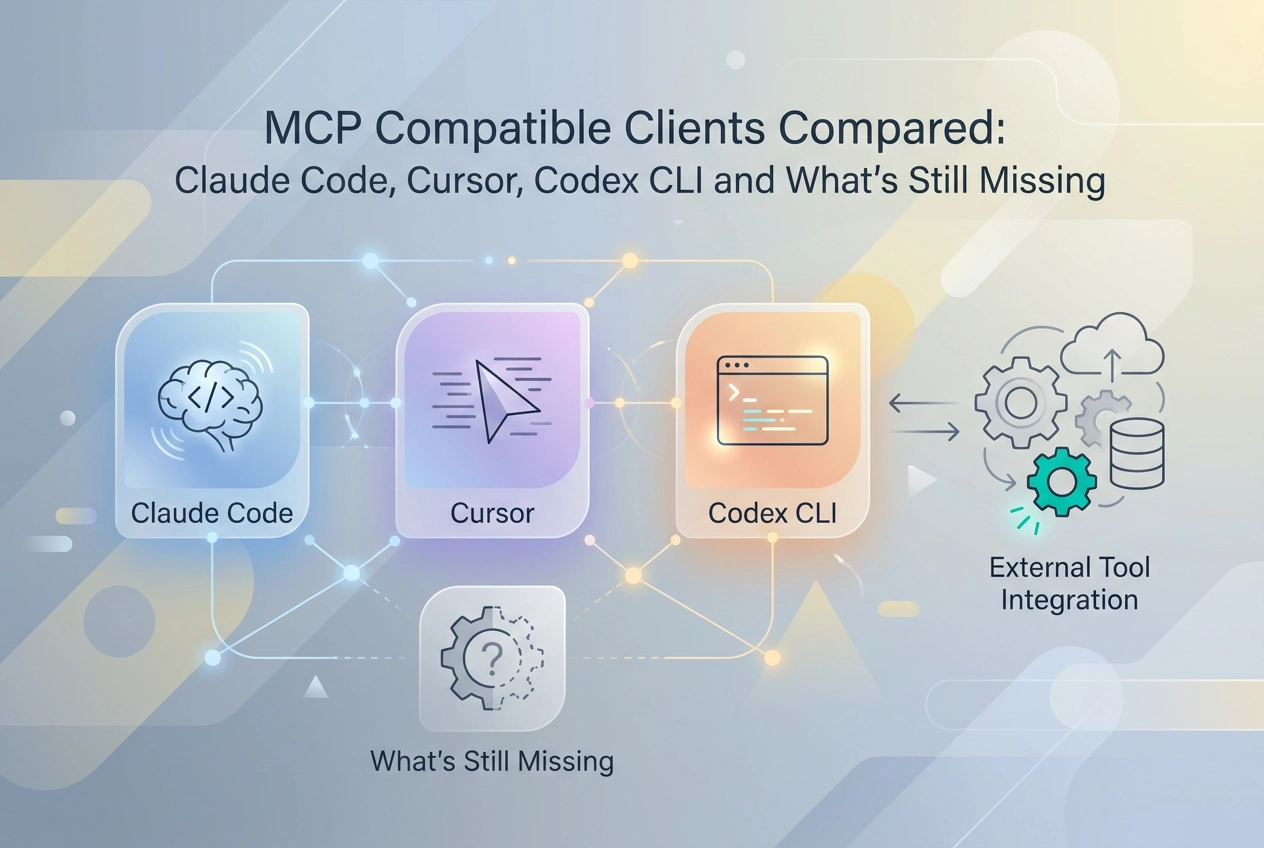
Paste this into Claude Code and you have a working MCP connection in under a minute:
claude mcp add https://mcp.moltlinestudio.com/github
No account. No API key. No signup. If the tools appear, your client is MCP-compatible and your transport stack is confirmed.
An MCP-compatible client must speak JSON-RPC 2.0, complete the initialize handshake, and support at least one of: Streamable HTTP, SSE, or stdio. Not every client does all three.
In 2026, the MCP-compatible clients that are generally available are: Claude Code, Cursor, Codex CLI, and Claude Desktop. ChatGPT Desktop announced MCP support in March 2025 and has not shipped it. VSCode Copilot has experimental stdio only.
This post compares every MCP-compatible client on transport support, config method, and production readiness — and explains what actually makes a server pass the compatibility check at the protocol layer.
MCP Compatible Clients at a Glance
Six MCP-compatible clients exist in the ecosystem today. Their transport support, remote HTTP capabilities, and production readiness vary enough that picking the wrong one costs real setup time.
How to read this table: GA means the feature is documented, shipped, and not gated behind a feature flag. Experimental means it exists in code but is not yet stable enough to depend on in production.
Client | HTTP Streamable | SSE | stdio | WebSocket | Remote HTTP | Config Method | Status |
|---|---|---|---|---|---|---|---|
Claude Code | Yes | Yes | Yes | Yes | Yes |
| GA |
Cursor | Yes | Yes | Yes | No | Yes | Settings page / | GA |
Codex CLI | Yes | No | Yes | No | Yes |
| GA |
Claude Desktop | No | Yes | Yes | No | Limited |
| GA |
ChatGPT Desktop | No | No | No | No | No | N/A | Not shipped |
VSCode Copilot | No | No | Partial | No | No |
| Experimental |
Three points from that table:
HTTP Streamable is the transport that covers the most ground — Claude Code, Cursor, and Codex CLI all support it natively.
ChatGPT Desktop has no MCP support. OpenAI announced it in March 2025; as of September 2026 it remains unshipped.
VSCode Copilot is experimental. Track it, do not build production workflows on it yet.
What Makes a Server MCP Compatible
The table above shows which clients are MCP compatible. Understanding why a server passes or fails that check requires looking at the protocol layer itself.
Every MCP-compatible server must speak JSON-RPC 2.0 over its chosen transport. The first thing any client sends after connecting is an initialize request. If the server does not respond with a conformant JSON-RPC 2.0 object containing the correct protocol version and capabilities, the client stops there. No tools load. The handshake is the gate.
For HTTP servers specifically, three things must be correct:
Endpoint reachability: the server must be accessible at a stable URL, conventionally at
/mcpor the server root.Content-Type headers: standard JSON responses require
application/json; SSE streams requiretext/event-stream. Wrong headers break parsing silently.Stateless request handling: each HTTP request must be self-contained. Session state stored server-side violates the transport contract.
Auth handling is where many servers create friction without explaining it. Public tools should require no key at all. If a server gates tools behind authentication, it must document that scheme explicitly rather than returning an opaque error. A client that fails silently on a missing key looks broken to the developer, even if the server is technically correct.
To see what end-to-end compatibility actually looks like, paste this URL into Claude Code or Cursor:
https://mcp.moltlinestudio.com/github
No account, no API key, no signup. The tools appear immediately after the initialize handshake completes. For context on how the underlying infrastructure is structured, see what an MCP server actually is.
Common Failure Modes
Partial MCP implementations are the most frequent cause of broken integrations:
Missing
list_toolsorcall_tool: the client cannot discover or invoke tools; the connection appears to succeed but nothing works.Incorrect
Content-Type: response bodies are unparseable even when the JSON is valid.Missing CORS headers: browser-based MCP clients are blocked entirely. This is easy to overlook if you only test from a CLI client.
For production deployments, technical requirements for implementing licensed MCP servers covers these failure modes in detail alongside the MCP specification.
Setting Up MCP in Each Compatible Client
Once you know a server speaks valid MCP, the next step is connecting your client to it. Each client has a different config method.
Claude Code
claude mcp add https://mcp.moltlinestudio.com/github
Claude Code supports remote HTTP, SSE, stdio, and WebSocket. For hosted servers, remote HTTP is the simplest path: one command, no config file to maintain. The tools register immediately.
Cursor
Open Settings, navigate to the MCP tab, and paste the server URL directly. That's enough for a single machine. For a version-controlled config you can commit and share across a team, add the server to ~/.cursor/mcp.json instead. For a concrete per-client example, see wiring Context7 into each client — the same JSON structure applies across Claude Code, Cursor, and Codex CLI:
{
 "mcpServers": {
 "github": {
 "url": "https://mcp.moltlinestudio.com/github"
 }
 }
}
Cursor supports HTTP and SSE. If you are wiring an image MCP server into Claude Desktop or Cursor, the same mcp.json pattern applies.
Codex CLI
Pass --mcp-server at invocation. No settings file required.
codex --mcp-server https://mcp.moltlinestudio.com/github
Codex CLI supports HTTP and stdio. The flag approach keeps MCP config explicit at the call site rather than buried in a config file, which suits scripted or CI workflows.
Claude Desktop
Config lives in claude_desktop_config.json. Claude Desktop is primarily stdio and SSE. Remote HTTP support is limited compared to Claude Code. It is the right choice for local tools running on the same machine; it is not the right choice for cloud-hosted servers where Claude Code handles the same job more cleanly.
VSCode Copilot
Experimental stdio support is available via settings.json. It is not reliable enough to build production workflows around today. Track the feature, but do not architect around it until it reaches GA.
The ChatGPT Desktop Gap and Practical Workarounds

ChatGPT Desktop is the one notable gap across every client covered above. Sam Altman announced MCP support for the Agents SDK and ChatGPT Desktop in March 2025. As of mid-2026, the desktop client still has no native MCP support and no announced ship date.
The N8N Bridge Workaround
Developers in the OpenAI community forum describe a pattern that fills the gap: route MCP calls through N8N workflows, so ChatGPT Desktop talks to N8N, and N8N forwards requests to the actual MCP server. It works. The costs are real:
Latency. Every tool call passes through an extra hop.
Dependency. Your MCP workflow now breaks if N8N is unavailable.
Operational overhead. Someone has to maintain the N8N workflow as MCP servers change.
The Honest Tradeoff
N8N as a bridge is worth the complexity only if your team is already locked into ChatGPT Desktop for unrelated reasons. It is not worth adopting solely for MCP access. Claude Code and Cursor both support HTTP Streamable natively today, with no middleware layer required. The same issue appears in other tool categories too; see The MCP Endpoint Gap in Video Tooling for a domain-specific example of where missing native MCP support forces workarounds.
What to Build Against Today
For any MCP-dependent workflow, Claude Code and Cursor are the practical choice right now. Both are GA, both support remote HTTP, and both work with any spec-compliant hosted server without modification.
The guidance on OpenAI's roadmap is simple: watch it, do not architect around it. A ship date that has not been announced cannot be a dependency in production code. Build against clients that work today; migrate if and when ChatGPT Desktop delivers native support.
Hosted MCP Servers That Are Compatible Today
If you need a concrete set of servers to test against right now, moltlinestudio.com/servers.html lists 22 hosted MCP servers covering 160 tools — each at a direct Streamable HTTP endpoint under mcp.moltlinestudio.com/<server>.
110 tools are free. No account, no API key, no signup. Paste the endpoint; the tools appear.
The remaining 50 tools are behind a $19/month All-Access licence. Payment is in cryptocurrency. The /api path also serves a live HTTP 402 challenge (x402 standard), so an agent can discover the price and settle on-chain with no human in the loop.
Audit grades are public. Every server has been reviewed via MCPize and carries a grade between A+ and B+. The result URL is open — read the compatibility assessment before wiring any server into a production agent. That is a more reliable signal than a self-reported "MCP compatible" claim.
Servers are also listed through Agensi if you prefer browsing a directory.
Choosing the Right MCP Client for Your Stack
Three rules that cut through the noise:
Standardise on HTTP Streamable. It has the widest client coverage today.
Verify with a live endpoint before committing. Paste
https://mcp.moltlinestudio.com/github— if the tools appear, your stack is confirmed. Takes under a minute.Do not wait on ChatGPT Desktop. It has been announced since March 2025 and remains unshipped. Build against clients that work today.
If you are publishing an MCP server, get a MCPize audit before you ship. Grades are public — downstream developers can check your result URL themselves rather than taking your word for it.
Conclusion
The spec is stable and the GA clients work. The gap between agents that connect and agents that stall is almost always a misconfigured transport layer.
Verify now: claude mcp add https://mcp.moltlinestudio.com/github — if the tools load, your foundation is solid.