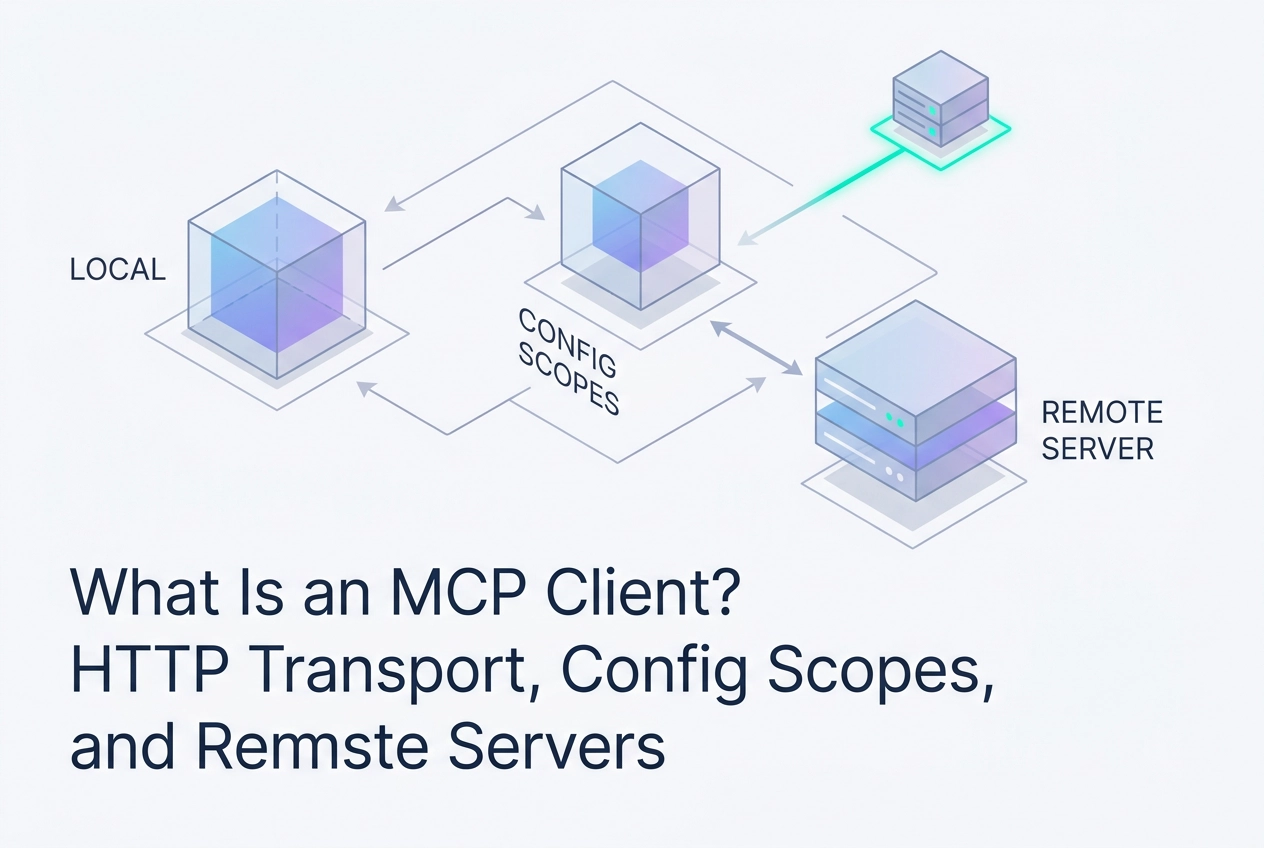
Most developers encounter the Model Context Protocol through a server tutorial, but the mcp client is where the real architectural decisions live. Choosing the wrong transport, misconfiguring a scope, or misunderstanding how your client negotiates with a remote server can quietly break entire tool chains before a single prompt is sent.
This post cuts straight to the practical layer. You will learn how Claude Code and Cursor function as full MCP clients in 2026, including the tradeoffs between stdio, HTTP, and WebSocket transports. You will see how config scopes, spanning local, project, user, and enterprise-managed levels, control which tools are available in which contexts. You will also walk through connecting to a remote HTTP endpoint, explore free tooling that requires no account, and get an honest look at where agent readiness and skill standardization currently fall short.
Whether you are wiring up your first remote server or auditing an existing multi-agent setup, understanding the client side of MCP gives you the leverage to build more reliably. Start with what the client actually does, and the rest follows naturally.
What an MCP Client Does
An MCP client is the consumer side of the Model Context Protocol loop. It sends tool-call requests to an MCP server and returns the results to the model. Without a client, the model has no path to external tools, data sources, or APIs at inference time.
The client handles three core responsibilities: transport negotiation, schema discovery, and request routing. When a session starts, the client connects to a server over the configured transport, fetches the server's tool schema, and registers those tools with the model. From that point forward, every tool invocation the model generates gets routed through the client to the correct server endpoint.
One boundary matters here: the client does not execute tools. It relays requests to the server and surfaces responses back to the model. Execution stays on the server side. The client is a messenger, not a runtime.
This separation has practical consequences. A misconfigured client silently breaks the entire tool surface. If the transport is wrong, schema discovery fails and the model sees no tools at all. If routing is misconfigured, calls go to the wrong endpoint and return errors that look like tool failures but are actually connection failures. Understanding where the client layer sits is the prerequisite for diagnosing those problems.
It also sets up the decisions covered in later sections. Choosing a transport, setting config scopes, and connecting to a remote HTTP server all depend on knowing what the client is responsible for. For deeper context on the server side of this loop, see The Backbone: Model Context Protocol (MCP) Servers.
The Two Dominant MCP Clients in 2026
Two patterns have consolidated around the agentic-coding stack as of 2026, and knowing which you are working with changes how you configure and debug your MCP setup.
Claude Code is Anthropic's terminal-based coding agent. It exposes a programmable interface suitable for custom orchestration, tool filtering, and multi-step agent logic. If your deliverable is a standalone agent with custom permissions, tool filtering, or multi-step orchestration logic, Claude Code is the natural fit.
Cursor is an AI-native editor with an autonomous agent embedded inside it. Its strength is rapid agentic editing within a product workflow: you stay in the editor, the agent operates on your codebase, and iteration is fast. If your deliverable is a shipped product written at speed, Cursor is the right choice.
Both handle MCP's full client responsibilities natively. Neither requires you to write protocol-level code to connect a server. For a practical breakdown of which servers work well with each, see MCP Servers for Cursor, Claude Code, and Codex.
Other MCP clients exist. Codex CLI is a terminal-first option. Custom agent loops built directly on the SDK give you full control over every layer. These are valid choices for specific workflows, but Claude Code and Cursor represent the two consolidating patterns most developers are standardizing around.
The choice is not about capability overlap; it is about deliverable type. Settle that question first, then configure your transport.
Transport Options: stdio, HTTP, and WebSocket
Once you have your client chosen, the next decision is transport. The wrong choice here is the most common reason a freshly configured MCP server silently does nothing.
stdio spawns a local subprocess. The client starts the server process and exchanges messages over standard input/output. Setup is minimal, but the server must run on the same machine as the client. Use stdio for local dev tools, file-system scripts, and anything involving secrets that must not leave the machine. To understand what the server process is actually doing on its end, see how an MCP server works, step by step.
HTTP (Streamable HTTP) is the recommended transport for any remote server. HTTP is the correct transport for any remote server: it passes cleanly through firewalls and proxies and requires no persistent connection. If a server lives behind a URL, HTTP is the correct choice.
WebSocket keeps a persistent connection open, which lets the server push messages without waiting for a client request. Reserve it for event-driven architectures where the server needs to initiate communication, not just respond.
The transport mismatch to avoid: pointing a stdio config entry at a remote URL. stdio expects to spawn a local process; it will not connect to a remote host. A server's README may list stdio support, but that is irrelevant if you are connecting remotely. Remote server behind a URL means HTTP, full stop. Silent failures on tool calls are almost always a misconfigured transport, not a server-side bug.
Config Scopes: Local, Project, User, and Enterprise-Managed
Once you've picked a transport, the next question is where the MCP configuration lives and who can see it.
Local scope applies only to the current working directory. Tools configured here are invisible outside that directory. Use this for local scripts, dev utilities, and any server that requires secrets you don't want in version control.
Project scope travels with the repository. Check a project-scoped MCP config file into the repo and every developer who clones it gets the same tool set automatically, no manual setup. It also makes the tool surface auditable: adding or removing an MCP server becomes a code review event, not an undocumented personal preference.
User scope applies across all sessions for that developer, regardless of directory. Remote HTTP servers that you use on every project are good candidates here, since they don't carry secrets and aren't repo-specific.
Enterprise-managed scope is set by an administrator and cannot be overridden by the developer. It is the right mechanism when an organization needs to enforce which MCP servers are permitted, for example blocking any server that hasn't passed a security review. The NSA's May 2026 guidance on MCP deployments underscores why that enforcement layer matters: inputs from unvetted servers can reach execution environments without appropriate constraints.
Scope separation prevents tool bleed. A database-write tool registered at project scope for one repo will not appear in a different project's tool list.
A practical pattern that works across most setups: place stdio tools and secret-dependent servers at local scope; place remote HTTP servers at project or user scope so they follow the developer wherever they work. For more on hardening the configuration layer before you ship, see Securing and Scaling Your MCP Server Deployment.
Connecting to a Remote HTTP Endpoint

Once your scopes are set, connecting to a remote server is straightforward.
Add the server URL to your MCP config and the client handles schema discovery on next load. No extra tooling required.
Moltline Studio exposes 22 hosted MCP servers at mcp.moltlinestudio.com/<server>. Paste any endpoint directly into Claude Code, Cursor, Codex CLI, or any MCP client. The tools register immediately, no signup and no API key. For a hands-on walk-through of connecting a specific server, see Wiring an Image MCP Server into Claude Desktop or Cursor.
What happens on connection: the client sends a schema discovery request to the endpoint. The server returns its tool manifest: each tool's name, description, parameter types, and return shape. The model reads that manifest and knows exactly what to call and how.
Payment-gated tools: Moltline's /api endpoint returns an HTTP 402 x402 challenge for premium tools. The response headers carry the price. An agent can read those headers, settle the payment on-chain in cryptocurrency, and proceed with no human in the loop.
Debugging failed tool calls: if calls return unexpected errors, confirm the config entry uses transport type http, not stdio.
Free Tools, No Account Required
Once the tools register, the next question is which ones cost anything.
110 of the 160 tools across Moltline's 22 servers are free forever. No account, no API key, no signup form. Paste the endpoint and the tools are available. That breadth is intentional: the free tier spans enough tool categories that you can build and validate a real multi-step agent workflow before committing to anything.
The remaining 50 tools require a single $19/month All-Access licence. One licence unlocks all 50 premium tools across every server simultaneously. Payment is by cryptocurrency.
The no-signup model solves a genuine friction point in MCP tooling. The standard developer experience elsewhere requires credential setup, account creation, or an API key before you can confirm whether a tool's schema, parameters, or output actually fit your use case. By the time you discover a mismatch, you have already spent time on onboarding. With Moltline's free tier, you verify fit first by running actual tool calls, then decide whether the premium tools are worth adding.
Bundles are distributed through Agensi. The direct Streamable HTTP endpoints at mcp.moltlinestudio.com/<server> work independently of any bundle. You can paste an endpoint straight into Claude Code, Cursor, or Codex CLI without touching Agensi at all.
If you want a structured starting point for which tools to try first, Where to Start Today covers the practical sequencing before you move an agent workflow into production.
Agent Readiness, Skill Standardization, and the Eval Gap
Getting tools to register is only half the problem. Once an agent is wired up, you still need to know whether it will behave correctly under real conditions, not just in a controlled demo.
As of this writing, neither Claude Code nor Cursor ships a built-in eval harness for validating multi-step agent behavior. Both platforms leave engineers to build their own evaluation loops for validating multi-step behavior and catching regressions. In practice, agents often degrade when exposed to production inputs that differ from demo conditions, a gap worth testing for before shipping.
Standardizing skills before you ship
The SKILL.md format gives each agent skill a machine-readable descriptor file. Rather than documenting capabilities in prose that only humans can parse, SKILL.md makes skill definitions inspectable by tooling. 138 open SKILL.md files are available at GarphenGate/moltline-oss. Each file covers a reusable skill you can drop directly into any agent implementation.
Before deploying, run the Moltline SKILL.md linter against your skill files. It validates schema correctness and catches errors that would otherwise surface as silent model failures at runtime. Schema problems are much cheaper to fix in a linter pass than to diagnose in a live agent.
Establishing a documented baseline
The agent-readiness checker audits your agent's configuration against a set of practical criteria and returns an MCPize grade between A+ and B+. Each result has a public URL, so you have a documented baseline before you ship. SKILL.md as a Readiness Signal explains what the grade reflects and how to interpret it.
Run the checker before moving any workflow to production.
What to Do Next
With your eval baseline in place, here is the short checklist to move from reading to running.
Pick your client first. Use Claude Code if you are building a standalone agent with custom orchestration. Use Cursor if you are writing a product fast inside an editor with an agent alongside you. The transport config and SKILL.md setup are the same either way; the client choice determines your workflow, not your tooling.
Match transport to server location (HTTP for remote, stdio for local) as covered above.
Test a live endpoint before writing any agent logic. Paste mcp.moltlinestudio.com/<server> into your MCP config, reload, confirm the tools register, and run one tool call. If the tools appear and the call returns, your transport and config are correct. Do this before building anything that depends on those tools.
Check the free tier against your build list. 110 free tools are already available, check the free tier against your build list before writing custom tooling; the $19/month All-Access licence unlocks the remaining 50. For a fuller picture of what is free and what gates before you commit to a plan, Start With Free, Audit Before You Commit walks through the breakdown.
Run the agent-readiness checker and the SKILL.md linter before any production deployment. Both are free. Both catch configuration errors that demos miss.
Conclusion
MCP clients are the connective tissue between your agent logic and the tools that make it useful. Choose your transport based on server location, scope your config to match your deployment context, and verify every endpoint before building on top of it.
The infrastructure is simpler than it looks. The transport rules and free-tier tools covered above remove most of the integration work before you write a line of custom code.
Start small and confirm each layer works. Paste an endpoint, reload, call one tool, and watch it return. That single test eliminates the majority of integration failures before they become debugging sessions.
The gap between a working demo and a production-ready agent is smaller than most developers expect once the fundamentals are in place.