mcp.moltlinestudio.com/<server>
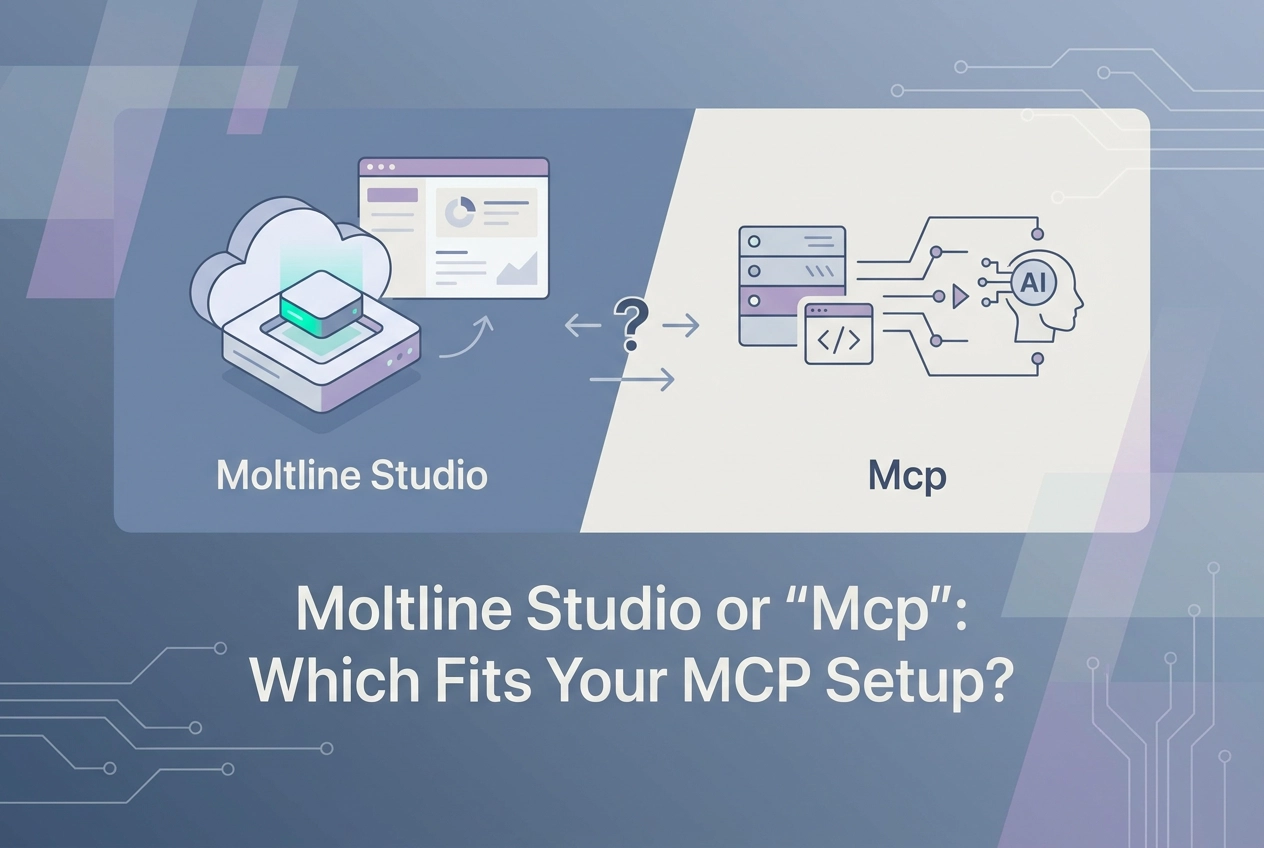
Paste that URL into Claude, Cursor, or Codex and the client connects to an open protocol, not a vendor. Yet most searches for "Moltline Studio vs Mcp" treat the two as rivals, which is the wrong frame. MCP is the protocol. Moltline Studio is one set of hosted servers and skills that speak it.
This post unpacks the distinction section by section. First, is MCP a vendor or a protocol? Then, what happens when you paste an endpoint into Claude or Cursor? Next, stdio versus Streamable HTTP, and which transport fits your setup. After that, what is actually being compared, and what Moltline Studio adds on top of the spec.
The final stretch covers the practical questions: what you can do with no signup and no API key, when the $19 All-Access licence earns its place, and whether it is safe to point your agent at an open endpoint. It ends with a specific next step: call one tool from the server catalog, then read the 402.
Is MCP a vendor or a protocol?
MCP is not a product. It is the MCP specification (2026-07-28), the revision marked "latest" at modelcontextprotocol.io. That page defines message encoding and the standard transports. It has no price, no signup and no support inbox. A vendor has all three.
Moltline Studio sits one layer up. It is one studio hosting servers that implement the spec: 22 servers exposing 160 tools. It does not define the protocol and cannot change it, only conform to it.
The free tier needs nothing but an endpoint:
mcp.moltlinestudio.com/<server>
Paste that into Claude, Cursor or Codex CLI and the tools appear. No account, no API key.
Transport does not change meaning. The spec states that protocol semantics are identical on every transport, so a tool behaves the same over stdio or Streamable HTTP.
So "Moltline Studio or Mcp" is a category error. There are three real decisions:
Which transport: stdio or Streamable HTTP
Which server: one of 22
Which tier: the 110 free tools or the $19/month All-Access licence
None is a brand-versus-brand contest.
What happens when you paste an endpoint into Claude or Cursor?
When your client connects to a URL rather than spawning a command, the payload does not change. Messages are JSON-RPC, and the spec requires them to be UTF-8 encoded (2025-03-26 transports). Framing is the transport's job.
The spec defines two standard transports, stdio and Streamable HTTP, plus optional custom ones.
In stdio, the client launches the server as a subprocess and exchanges messages over stdin and stdout. Clients SHOULD support stdio whenever possible (2025-06-18 transports).
In Streamable HTTP, each message is an HTTP POST to a single MCP endpoint. The reply returns as a JSON object or a request-scoped SSE stream. This is the mechanism behind a hosted endpoint (2026-07-28 transports).
A hosted server cannot be launched as a subprocess. If it lives at mcp.moltlinestudio.com/<server>, you are on Streamable HTTP whether you call it from Claude, Cursor or Codex CLI.
Inspect it before wiring it in:
curl -X POST https://mcp.moltlinestudio.com/<server> \
 -H "Content-Type: application/json" \
 -H "Accept: application/json, text/event-stream" \
 -d '{"jsonrpc":"2.0","id":1,"method":"tools/list"}'
Test this against the live endpoint; the 2026-07-28 spec adds request headers that may be required.
Next, pick the transport that fits your setup.
stdio vs Streamable HTTP: which transport fits your setup?
The framing changes; the messages do not. Here is how the two bindings split.
Axis | stdio | Streamable HTTP |
|---|---|---|
Where the server runs | On your machine, as a child process | Wherever the server is hosted; the free tier runs at |
How the client starts it | Client spawns the subprocess | Client POSTs to a single endpoint URL |
Who can reach it | Only processes on your machine | Anyone holding the URL, unless the endpoint adds its own auth |
Auth model | Inherits your local user permissions | The endpoint's own auth story, or none on the free tier |
Debugging path | Failures show up in your terminal beside the subprocess | Status codes and JSON error bodies you can replay with |
Best fit | Filesystem access, zero network exposure, tools that exist only locally | One tool shared across several clients, or hosted tools you cannot run yourself |
Pick stdio when:
The server needs your filesystem.
You want zero network exposure.
The tool only exists locally.
Pick Streamable HTTP when:
You want the same server in Claude, Cursor and Codex CLI.
The server is hosted and you cannot run it yourself.
The spec states protocol semantics are identical on every transport, so tool names, schemas and results should not shift when you swap bindings.
So what is actually being compared here?
Read these two tables in order. The first separates the spec from the studio. The second covers the only decision that costs money.
Axis | MCP spec | Moltline Studio |
|---|---|---|
What it is | Open protocol | Hosted server catalog |
Maintained by | AAIF at the Linux Foundation | One person |
Cost | Free | Free tier, then $19/month |
Where it runs | Wherever you implement it | mcp.moltlinestudio.com/ |
What you install | Nothing, it is a document | A URL in your client config |
If it changes | Implementations update | Endpoints move, you re-paste |
The spec is governed under the Agentic AI Foundation at the Linux Foundation. It has no price and nothing to install. Moltline Studio is tooling, not a builder: 22 servers, 160 tools, behind endpoints you paste into a client config.
Axis | Free tier | All-Access |
|---|---|---|
Tools reachable | 110 of 160 | All 160 |
Price | $0 | $19/month |
Signup required | No | No account; checkout asks for an email to send the key |
Payment method | None | Cryptocurrency |
Auth requirement | No key | Licence key in client config |
Table one shows there is nothing to choose between a protocol and a product that implements it. Table two is the real choice: 110 free forever with no account, no API key and no signup, against the other 50 behind a $19/month licence payable in cryptocurrency.
What does Moltline Studio add on top of the spec?
The spec gives you a contract. Moltline Studio gives you servers that run it.
The 22 servers and 160 tools described above connect via direct Streamable HTTP endpoints. Free beside the servers:
138 SKILL.md agent skills, open on GitHub under GarphenGate/moltline-oss
A SKILL.md linter
A 21-check agent-readiness checker at moltlinestudio.com/agent-check.html
Then the payment layer. The x402 specification defines HTTP 402 as a payable response. The studio's /api serves a live challenge, so an agent reads the price and settles on-chain with no human in the loop.
This is one person: no team, no SLA, no uptime figure. Treat the free tier as swappable, since spec semantics are identical on every transport.
Second, quality signals come from MCPize audits: A+ to B+, each with a public result URL, and the catalog graded A at 94/100. Open the individual server's page, not the average.
Every figure above is studio-reported. Re-check the live site before you depend on it.
What can you do with no signup and no API key?

Open servers.html, copy the endpoint for the server you want, and add it to your client as an HTTP MCP server. In Claude, Cursor or Codex CLI this is a URL field in the config, not a command to spawn.
Then run the sequence that proves the wiring:
Call
tools/list. Tool names and their input schemas come back as JSON, with no auth step in between. The 2026-07-28 release candidate moves tools to full JSON Schema 2020-12.Call one free tool with real arguments and read the result. This is the fastest check that the transport, headers and client config all line up.
If the tool is premium, calling it without a licence returns a
premium_tool_requires_licenseresult that names the $19 monthly price and points to the x402 challenge at moltlinestudio.com/api. The free-versus-paid boundary is visible at call time, not buried in a pricing page.
One endpoint works across clients. A server wired into Cursor is the same server in Claude Code. The free tier covers 110 of the 160 tools.
When does the $19 All-Access licence earn its place?
The 50 premium tools are all that changes. No seat maths, no procurement step, no per-developer tiers. One developer, one cryptocurrency payment.
It earns its place when a premium tool replaces work you would otherwise build, host or buy. A one-off test call is not that. Ask one question first: does this tool save more than $19 of your time this month?
Paying without a human in the loop
Point an agent at /api. It gets an HTTP 402 challenge, reads the price, and settles on-chain in stablecoins. That flow uses the HTTP 402 challenge-response mechanism, which is separate from the MCP spec; the MCP spec has no payments page. No MCP revision documents settlement.
What you are not buying
Plainly: this is a one-person studio. There is no SLA, no uptime percentage, no audit logging, and no tenant isolation. Treat the hosted tier as swappable.
Keep the licence key in your client config. Never put it in a prompt or a tool argument. Anything passed as an argument leaves your machine.
If your workflow is fully covered by the 110 free tools, the honest answer is to skip the licence.
Is it safe to point your agent at an open endpoint?
Skipping the licence does not change the endpoint's safety profile. Free endpoints carry no licence key; caller identity is not tracked at the protocol level. For per-caller attribution, run the server yourself.
Read two spec pages before wiring production data: the Security Warning under Streamable HTTP on the transports page, and the Authorization page. Read them directly rather than trusting a summary, including this one. The security best practices page covers the wider threat surface.
Every argument you pass to a tool leaves your machine. Never paste secrets, tokens or customer records into a test call.
Choose the transport by workload:
stdio: local or private work where the server needs your filesystem. It runs as a child process under your user's permissions.
Streamable HTTP: public data and general tooling, including
mcp.moltlinestudio.com/<server>.
Need per-caller auth or request attribution? Run the server yourself, or wait for scoped keys. Do not assume the free endpoint provides either. Test with throwaway input. The first call should prove the wiring, not move real data.
Next step: call one tool, then read the 402
Paste mcp.moltlinestudio.com/<server> into Claude, Cursor or Codex CLI. No signup, no key.
Then call tools/list:
curl -X POST https://mcp.moltlinestudio.com/<server> \
 -H "Content-Type: application/json" \
 -H "Accept: application/json, text/event-stream" \
 -d '{"jsonrpc":"2.0","id":1,"method":"tools/list"}'
Test this against the live endpoint; the 2026-07-28 spec adds request headers that may be required.
Then call one free tool with real arguments and confirm the reply is a JSON-RPC result. If the tool you want is premium, hit /api and read the x402 challenge before spending anything.
Conclusion
Start with tools/list, confirm the result, then decide if the 50 premium tools justify $19/month.
Key takeaways:
Start with
tools/list, then call one free tool with throwaway input.Premium tools called without a licence return a
premium_tool_requires_licenseresult that names the $19 monthly price and points to the x402 challenge at moltlinestudio.com/api. Read it before spending.Use stdio for local, private work that needs your filesystem.
Use Streamable HTTP for public data and general tooling.
No signup, no API key. Pick one server from the catalogue, call one tool, and let the JSON-RPC result guide your next build.