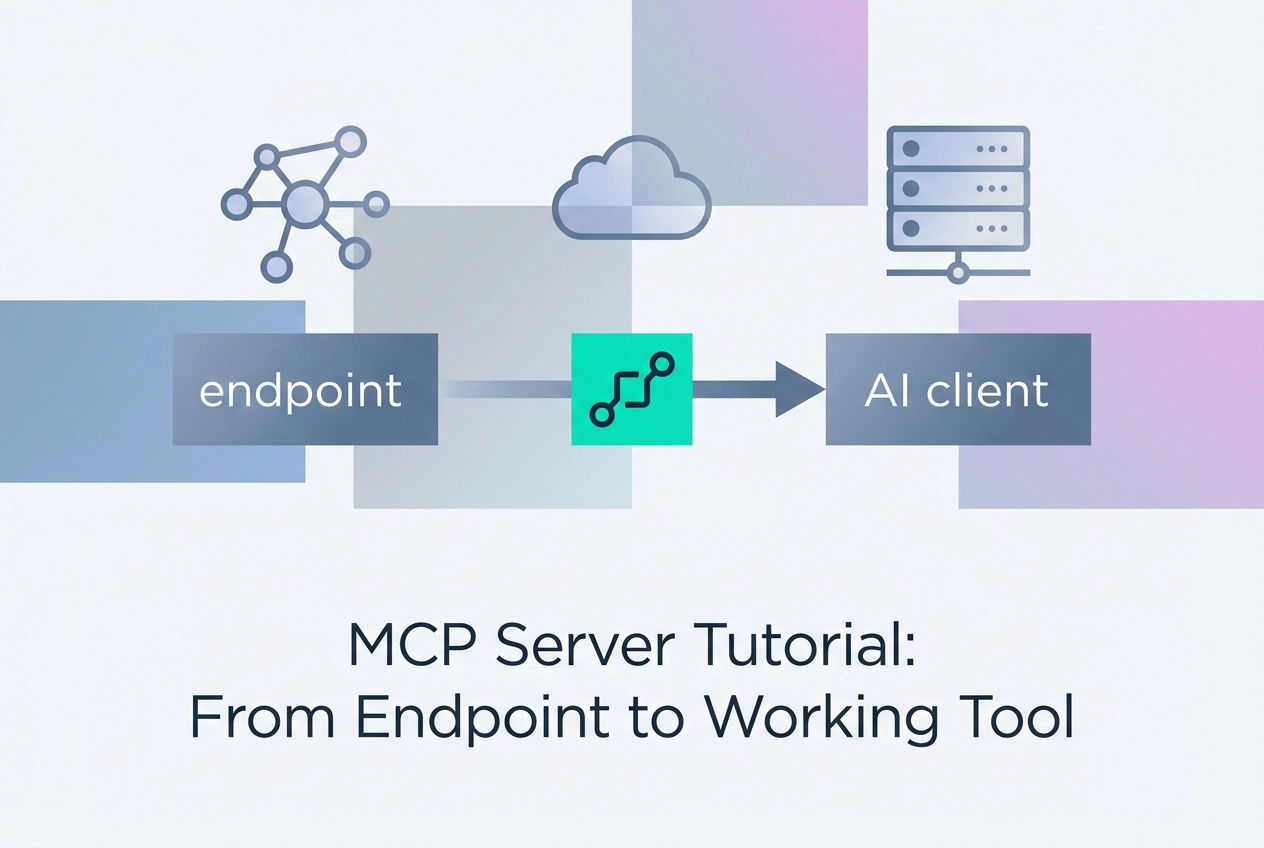
Most AI tool integrations still break down at the same point: getting a model or agent to call a real service securely without custom glue code. MCP changes that. A Model Context Protocol server exposes data and actions through a standardized interface, so any compatible host can use it. Vendors including Linear and GitHub publish remote MCP endpoints; Streamable HTTP is the spec-defined binding for hosted servers.
This mcp server tutorial moves from endpoint to working tool. You will learn what an MCP server actually is, then gather the prerequisites: a client and a URL. Step by step, you will pick a free server, read its endpoint, connect it in Claude and Claude Code, connect it in Cursor and Codex CLI, and prove the tool actually ran. We will also cover no-account and no-API-key scenarios, how x402 fits in, and next steps around Skills, building your own server, and judging hosts. By the end, you will have a repeatable workflow for turning a documented MCP endpoint into a verified, useful tool.
What an MCP Server Actually Is
MCP (Model Context Protocol) is a standardized interface that lets any compatible model or agent reach a service's data and actions without a bespoke integration for every client. Three roles do the work: the server exposes capabilities, the host connects to it, and the model decides when to call a tool. The Backbone: Model Context Protocol (MCP) Servers covers how that split plays out in production agent architecture.
A server carries tools (callable functions with JSON input schemas), resources (readable, addressable data), and prompts. MCP moves context between a model and external services.
The protocol is client-agnostic by design, which is why one tutorial applies to Claude, Claude Code, Cursor and Codex CLI. Transport in 2026 means Streamable HTTP for hosted servers and stdio for client-launched local processes. Versioning and authorization sit in the base protocol, while roots, sampling and elicitation stay on the client side, separate from server features.
What it is not: not a vendor plugin format, not an agent framework, not a replacement for your application code. If a tutorial tells you to install a framework to "use MCP," it is selling you something else.
Prerequisites: A Client and a URL
Prerequisites for this walkthrough are deliberately short: one client and one URL.
A compliant client, already installed. Claude desktop, Claude Code, Cursor, Codex CLI, VS Code, Gemini CLI, or Zed. Any host that speaks the current MCP spec will do. Protocol semantics are identical across transports, so behavior does not change per client.
One server endpoint URL. For this walkthrough, that is all you need: no account, no API key, no signup, no local process to manage. A Streamable HTTP endpoint is a POST target, not a subprocess you launch.
Optional: a terminal and curl, so you can inspect the raw JSON-RPC response outside the client when something looks wrong.
Optional: a text editor for client config files. Cursor, Codex CLI, and VS Code configure servers in a file rather than a dialog. See connecting an MCP server to Claude for the dialog path.
Know the limit up front. The free, no-signup tier is read-oriented tooling over public and open data. Write paths, heavier quotas, and vendor-scoped access are what the paid servers cover.
Step 1: Pick a Free Server and Read Its Endpoint
You have a client and an empty config. Start at mcp.moltlinestudio.com: 22 hosted servers exposing 160 tools, 110 of them free forever with no account, API key, or signup.
Every server has a direct Streamable HTTP endpoint in the form mcp.moltlinestudio.com/<server>. That URL is the install. Copy it from the page rather than reconstructing it; a wrong path returns an empty tool list, not a clean error. For a client-side walkthrough of the same pattern, see Getting Started: Paste This URL Into Cursor.
Read before you wire. tools/list is the spec-defined method for enumerating what a server exposes, including each tool's name, description, and input schema. Run it over HTTP:
curl -s https://mcp.moltlinestudio.com/<server> -H 'content-type: application/json' -d '{"jsonrpc":"2.0","id":1,"method":"tools/list"}'
Five lines of curl beats an hour guessing why a tool returned nothing. Check argument names against the schema exactly; mismatches fail silently in most clients.
If you later write your own server, copy the discipline of the good ones: a small set of sharp, single-purpose tools with honest descriptions, not one mega-tool with fifteen optional arguments.
Step 2: Connect It in Claude and Claude Code
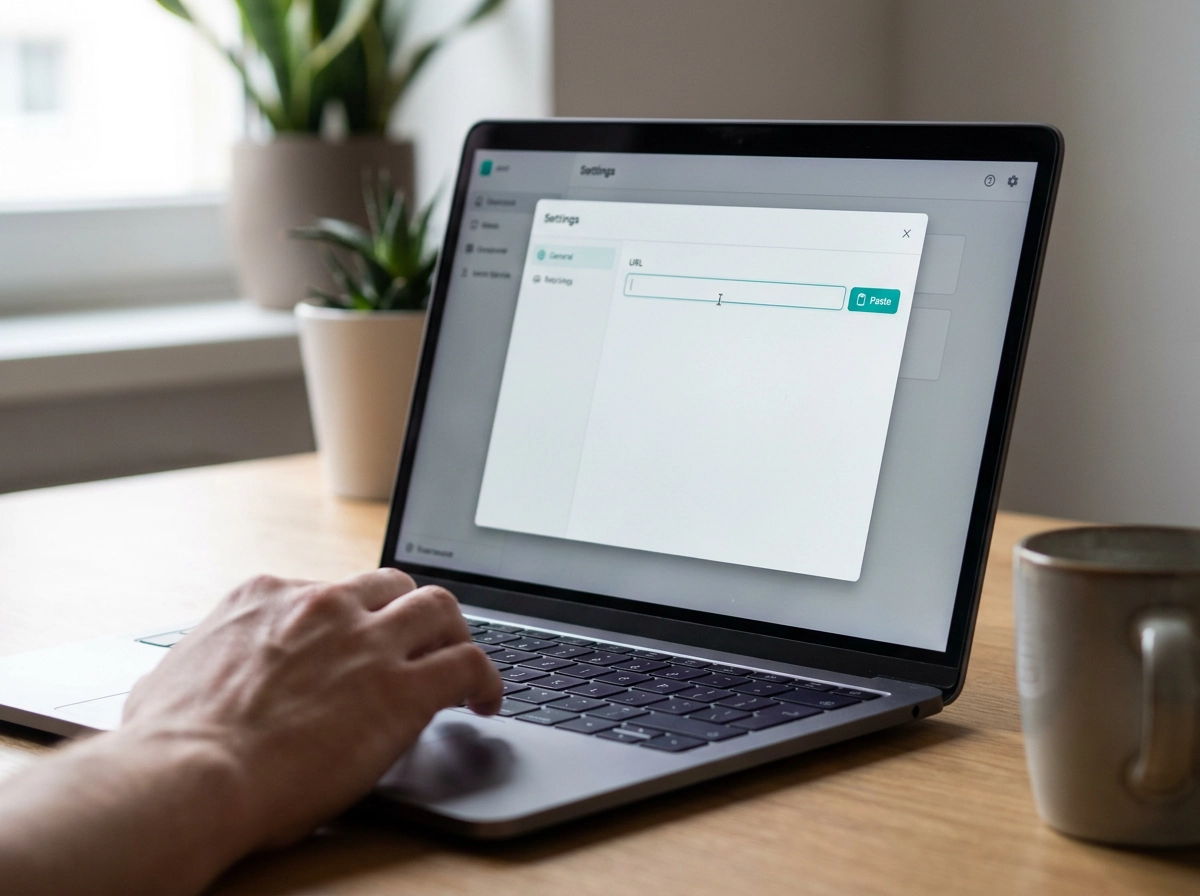
In the Claude desktop app, go to Connectors under Customize, choose Add custom connector, and paste the endpoint URL. (Menu label may vary by app version.) The free tier has no auth, so there is no key field to fill. That absence belongs to this endpoint, not to MCP as a rule; vendor servers behind OAuth will prompt you mid-connection instead.
Claude Code takes one command:
claude mcp add --transport http moltline https://mcp.moltlinestudio.com/<server>
Scope is a deliberate choice, not a default. User scope makes the server available in every project on your machine. Project scope writes it to .mcp.json, so anyone who clones the repo inherits the same server. For a shared read-only tool, project scope is the honest setting. A short walkthrough of the command lives in Adding a Hosted HTTP Endpoint to Claude Code in 60 Seconds.
Verify inside the session with /mcp. It lists each connected server and its registered tools, which beats watching a transcript for a call that never fired.
Then ask for the least access you need. If the endpoint offers a read-only variant, wire read-only. Read-write convenience is real; so is the blast radius when a model misreads an instruction.
Step 3: Connect It in Cursor and Codex CLI
The file names and key spellings below are drawn from the author's direct testing; verify against each client's current documentation before shipping.
Cursor accepts the server two ways: add it under Settings, MCP, or write .cursor/mcp.json by hand using the url key for HTTP transport. The endpoint string is identical to the one you pasted into Claude.
Codex CLI reads ~/.codex/config.toml at startup, so restart the session after editing:
[mcp_servers.moltline]
url = "https://mcp.moltlinestudio.com/<server>"
The block name is arbitrary; pick one you will recognize later.
VS Code uses .vscode/mcp.json with "type": "http" and the same URL. Keep it workspace-scoped so the server travels with the repo.
That is the lesson worth internalizing: the URL never changes, only the file that holds it. Client-agnosticism is asserted constantly in 2026 marketing; this is where you demonstrate it to yourself. Swap in the Connect server and nothing but the string changes.
One rule before you commit anything. A no-auth endpoint has nothing to leak. The moment you add a vendor server with a token, that token belongs in an environment variable, never in .mcp.json in git.
Step 4: Prove the Tool Actually Ran
The config file loading is not proof the tool ran. Ask the client something only that server's data can answer. "What did I read last week?" works because a wrong answer is obvious; a plausible summary hides a failed call.
Then read the transcript. Look for the tool-call line. A model that answers from its own weights without calling anything is a common false positive; it is the easiest to fix once you see it in the transcript. This is the silent skipping pattern covered in What can go wrong: silent skipping and common mistakes.
Confirm outside the client. Send tools/call over HTTP with the exact arguments the schema expects, then read the raw JSON. Messages are JSON-RPC and MUST be UTF-8 (transports spec), so you can inspect them by eye. If curl succeeds and the client fails, the bug is in your client config, not the server.
Check these next: wrong path or trailing slash, a client that only speaks SSE instead of Streamable HTTP, a cached server list needing a restart, and argument names that do not match the schema.
Before you build on a hosted server, run the free agent-readiness checker against it. Documented transport, auth scope and failure modes save more debugging time than one extra tool ever will.
No Account, No API Key, and How x402 Fits In
The free tier covers 110 tools with no signup. The other 50 unlock with one $19/month All-Access license, paid in cryptocurrency. No seat count, no per-call meter.
What /api Does Differently
/api serves a live HTTP 402 challenge in the x402 flow, an open standard for internet-native payments. An agent hits the endpoint, reads the 402, learns the price, settles on-chain, retries. No human clicks a checkout button. That matters when the buyer is another program.
For your own agent code this removes the secret store on that path: read the 402, decide, settle. Fewer credentials to rotate, one less failure mode in a long-running process. See handling the HTTP 402 premium path for the request-level detail.
Limits, Stated Plainly
No SLA. No uptime guarantee. No support contract. One person runs this. Build retries and idempotency into your client to avoid double charges, set timeouts, and treat the endpoint as a dependency you do not control.
Next Steps: Skills, Your Own Server, Judging Hosts
Once a server is connected, judge it the way you judge a library: does the vendor document transport, auth scope and failure behavior? If the docs are a marketing page with a copy button, expect to spend your evening on the JSON-RPC layer.
Skills sit alongside servers. A server is a capability; a skill is instructions for using it well. Wire both, or your agent has hands and no judgment. The 138 Free SKILL.md Files at GarphenGate/moltline-oss are free on GitHub and drop into any compliant client.
Run the free SKILL.md linter on anything you write, and the free agent-readiness checker on anything you host. Cheap checks catch the failures that otherwise surface as a mysterious empty tool response at 2am.
If you write your own server, follow Streamable HTTP, auth scoped to least privilege, a documented /mcp endpoint, and a read-only variant if the data allows it.
Want a set of related servers rather than one? Bundles are available for that. Otherwise, one endpoint, one tool, one verified call is a perfectly good place to stop today.
Takeaways You Can Act On Now
If you stop at one server today, stop with these five moves.
Pick a free server at mcp.moltlinestudio.com and copy its Streamable HTTP endpoint (Step 1); the URL is the same string regardless of which compliant client you paste it into.
Prove the call ran (Step 4): ask a question only that server's data can answer, and if the transcript stays quiet, inspect the raw JSON-RPC with curl.
Ask for read-only access unless you have a specific reason to want writes (Step 2); scope is the only real security control you have over a hosted server.
If the free tier is enough, use it with no licence. If you need write paths and heavier quotas, the 50 premium tools are one $19/month licence away, in cryptocurrency.
Extend one step further: pair the server with a SKILL.md from the 138 free ones on GitHub, and run the agent-readiness checker before you ship anything of your own.
None of this requires an account, and every step is reversible.
Conclusion
You do not need an account, an API key, or a complex setup to move from endpoint to working tool. One Streamable HTTP URL is the same string regardless of which compliant client you paste it into.
Start with a single free server today. Paste the endpoint, run one verified call, and inspect the raw JSON-RPC if anything looks quiet. If you need more, add a SKILL.md, try a bundle, or write your own least-privilege server. Every step is reversible. The best way to understand MCP is to connect one tool and watch it work.